Help
The in-game Help menu, with its pictures and videos. Look up names, terms and controls.
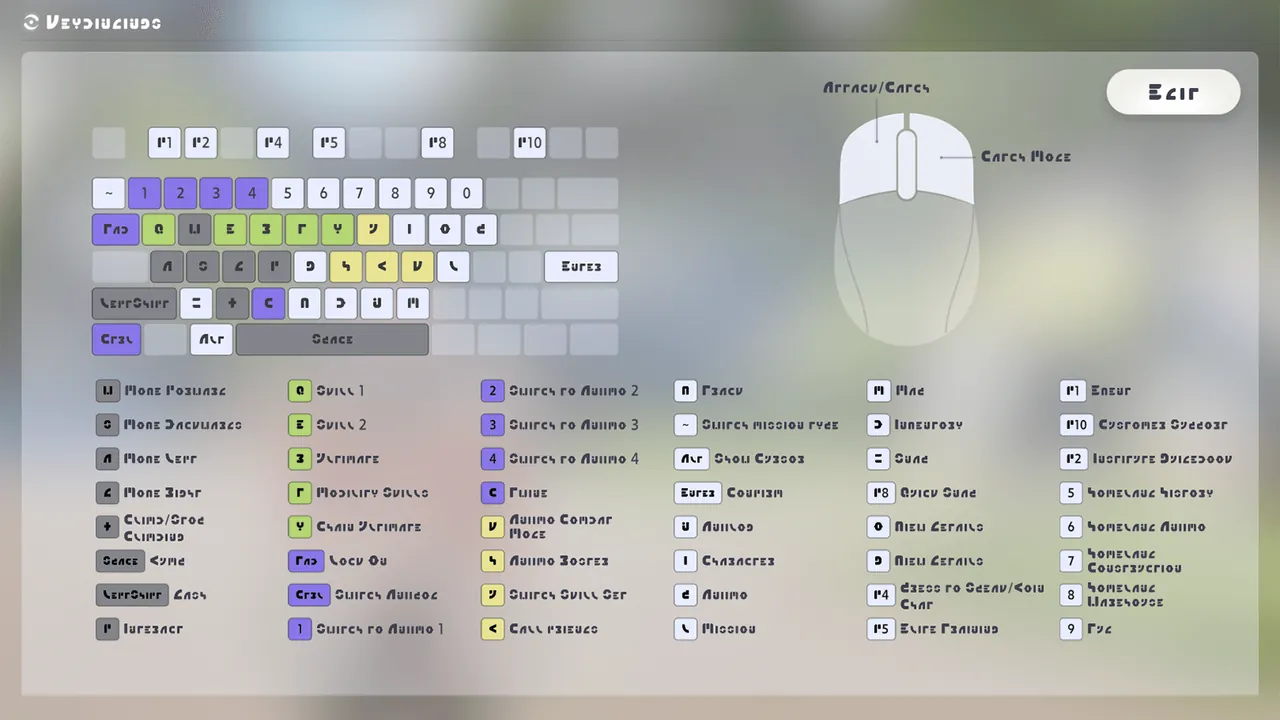 ShortcutsTake advantage of shortcuts for a better gaming experience!
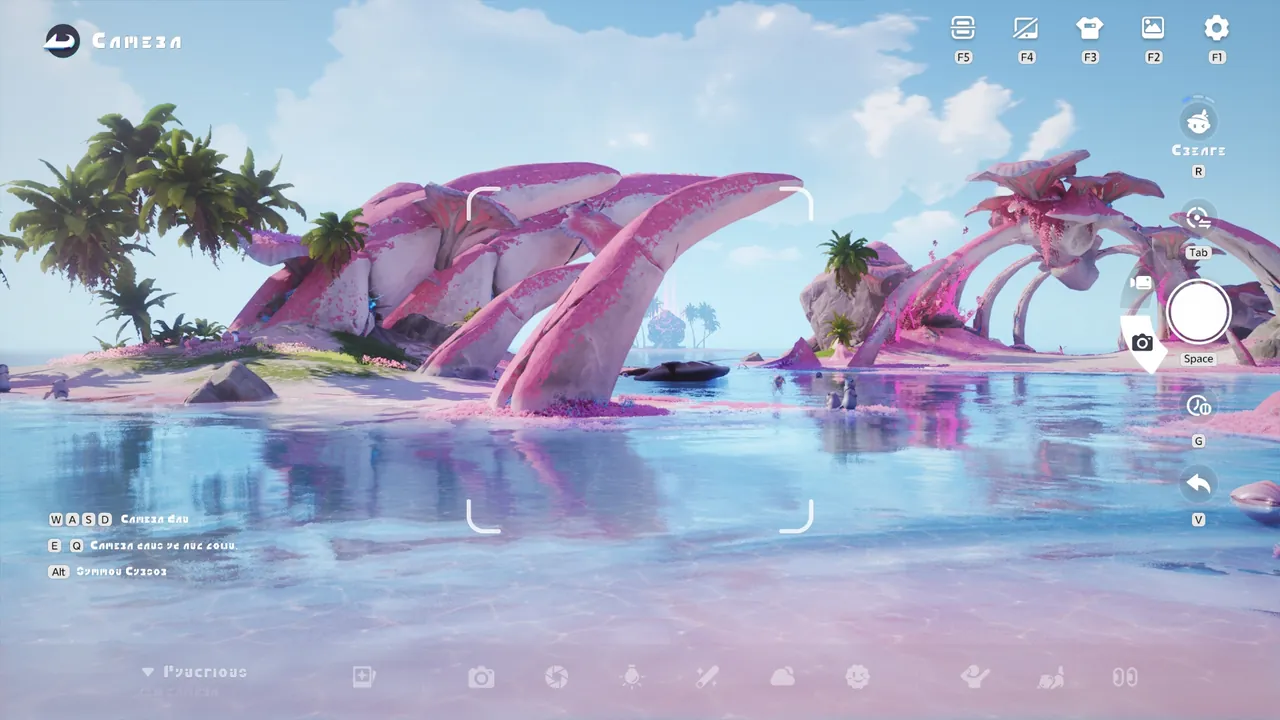 1/6SnapThe camera is equipped with three modes: Creative Mode, Follow Mode, and Selfie Mode. Switch between them to suit different photo needs.
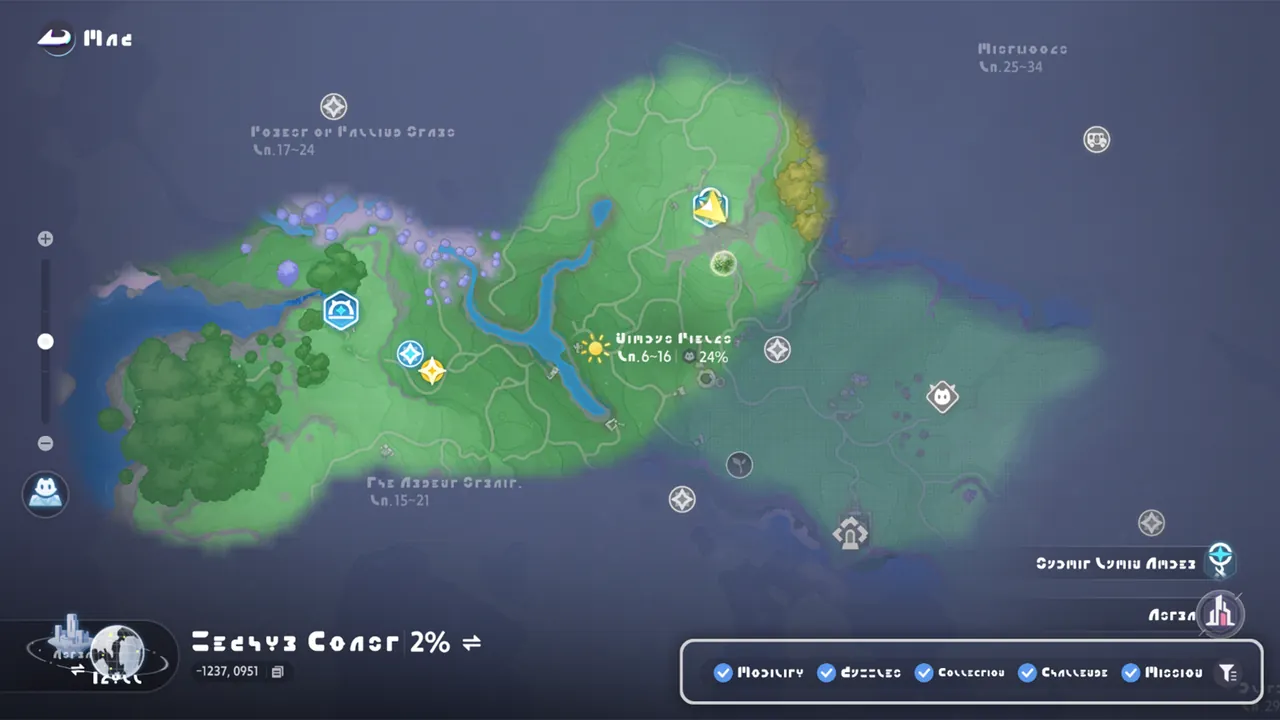 1/4MapThe map shows your current location. Different locations are shown with different icons, and you can also place custom markers on the map. T
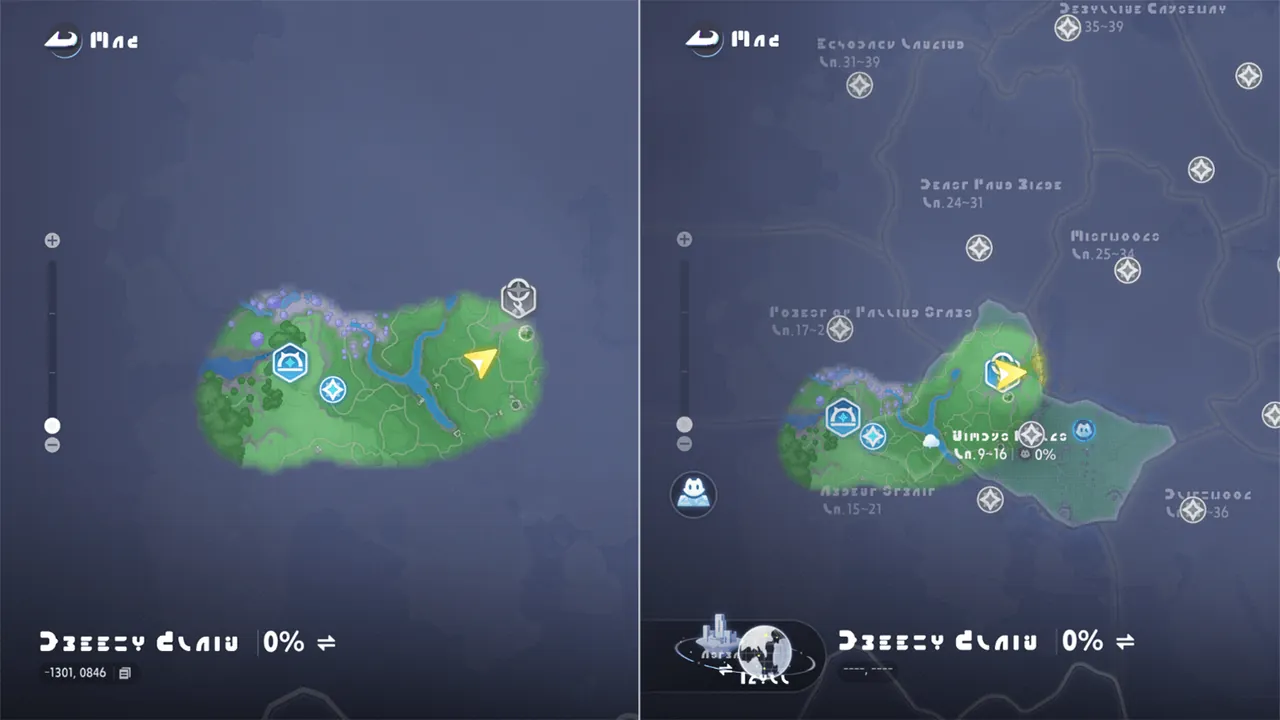 1/2BranchBranches are an important part of the map system. After you activate a Branch, you can reveal the Blooms across a large area and unlock a ne
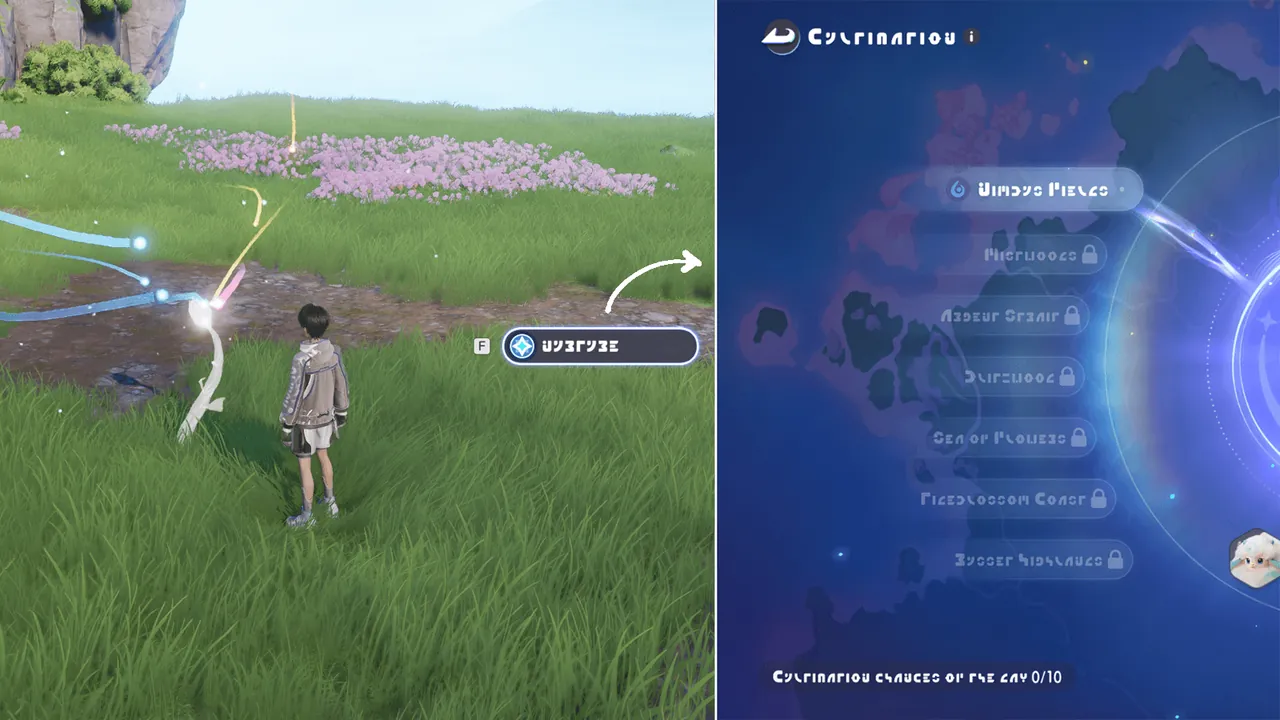 1/3BloomBlooms are unusual flowers found across Idyll. Use Nurture to bring them to the budding stage. To use this feature, obtain the area’s Bronze
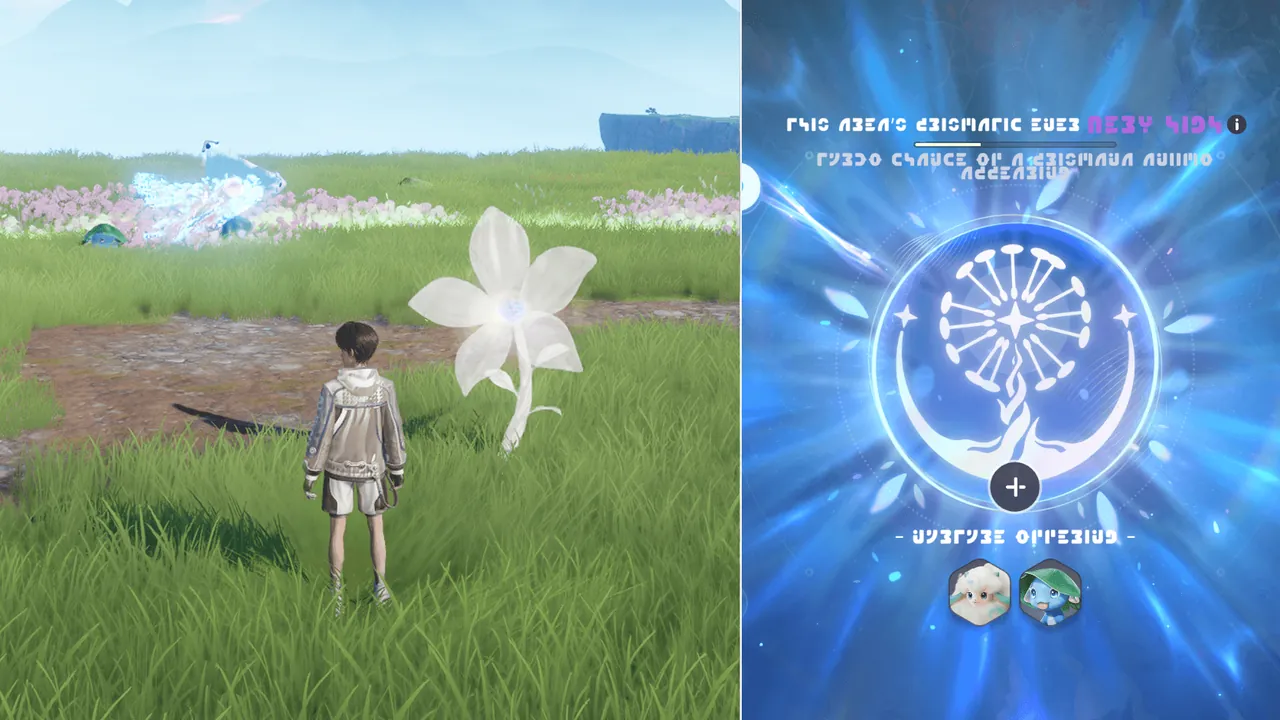 1/3Prismatic EnergyMost regions of Idyll can accumulate Prismatic Energy. To do so, catch Aniimo during Wild Surges. As a region’s Prismatic Energy state rises
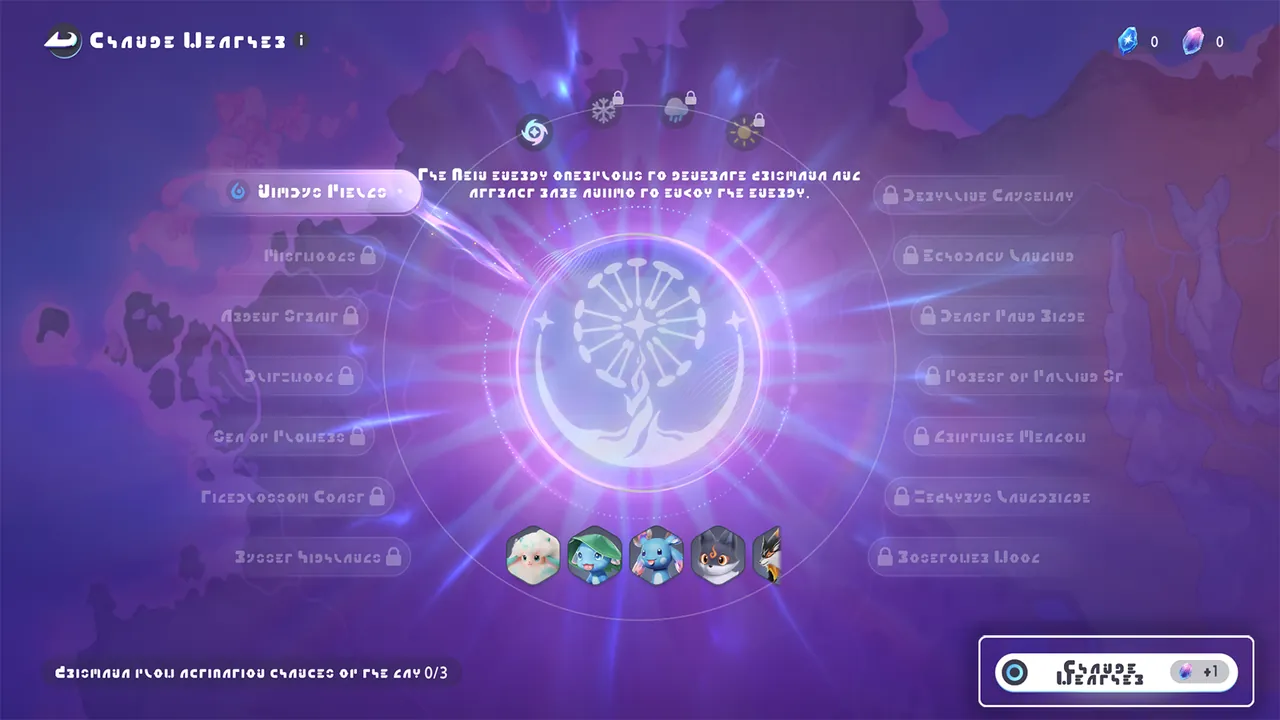 Change the WeatherUsing the Branch’s change-weather function, you can directly attract and spawn Prismana Form Aniimo.
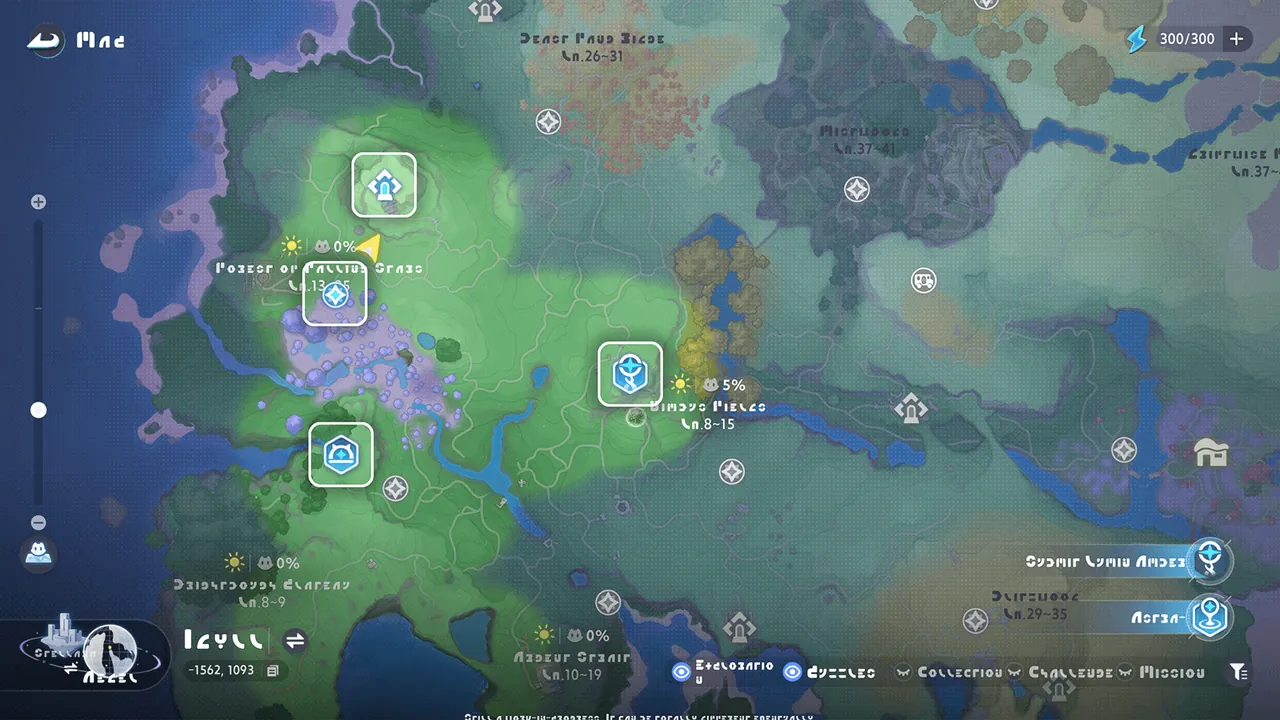 1/3TeleportTeleporting is a quick way to move your character. To use it, select a transportable icon on the map. Teleportable icons are usually blue, s
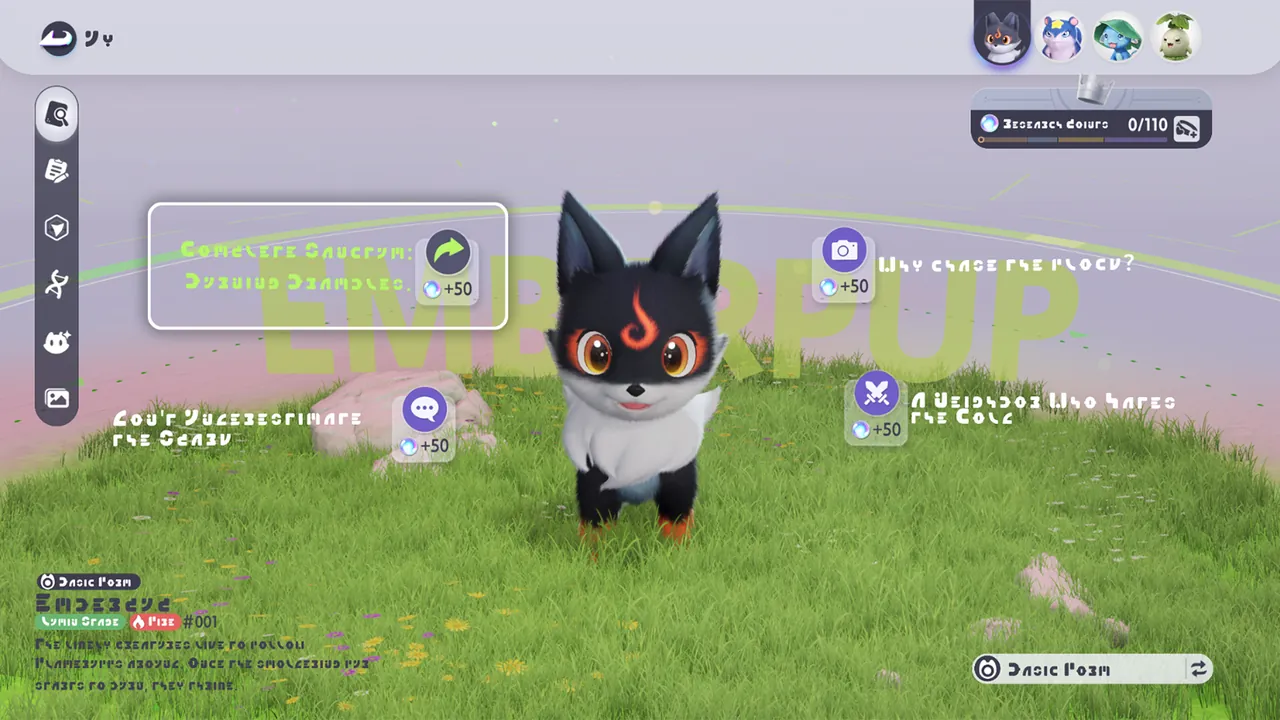 1/5AniilogAfter you catch an Aniimo for the first time, its Aniilog entry will be unlocked. You can use the Aniilog to learn more about its Field Note
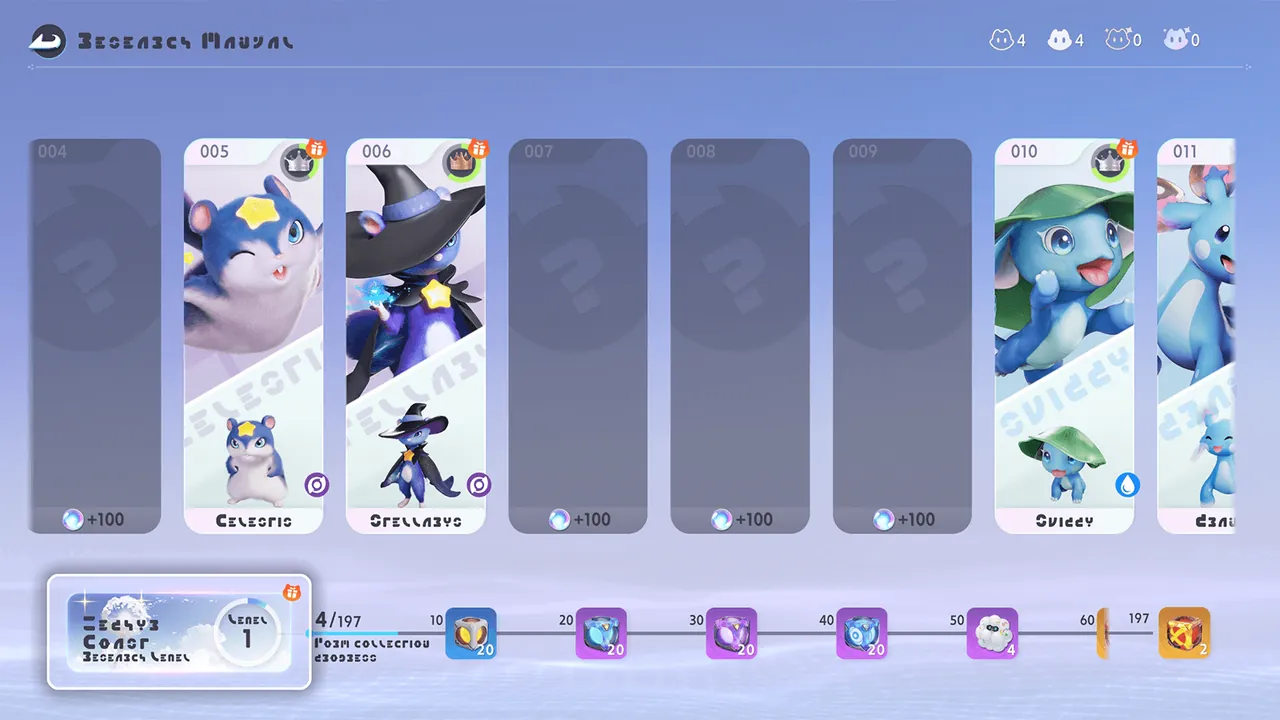 1/5Research Points and Star-UpComplete research goals in the Aniilog to earn Research Points and raise the Aniilog level.
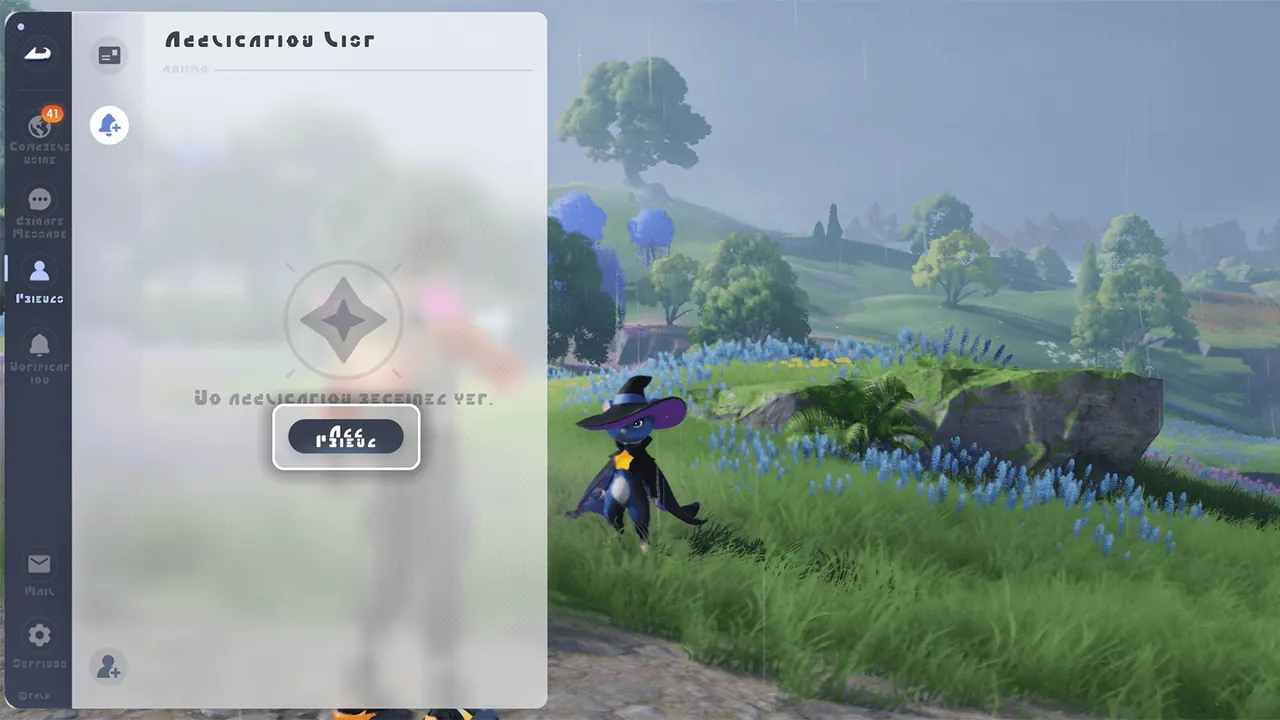 FriendsYou can add Friends here so you can explore together later.
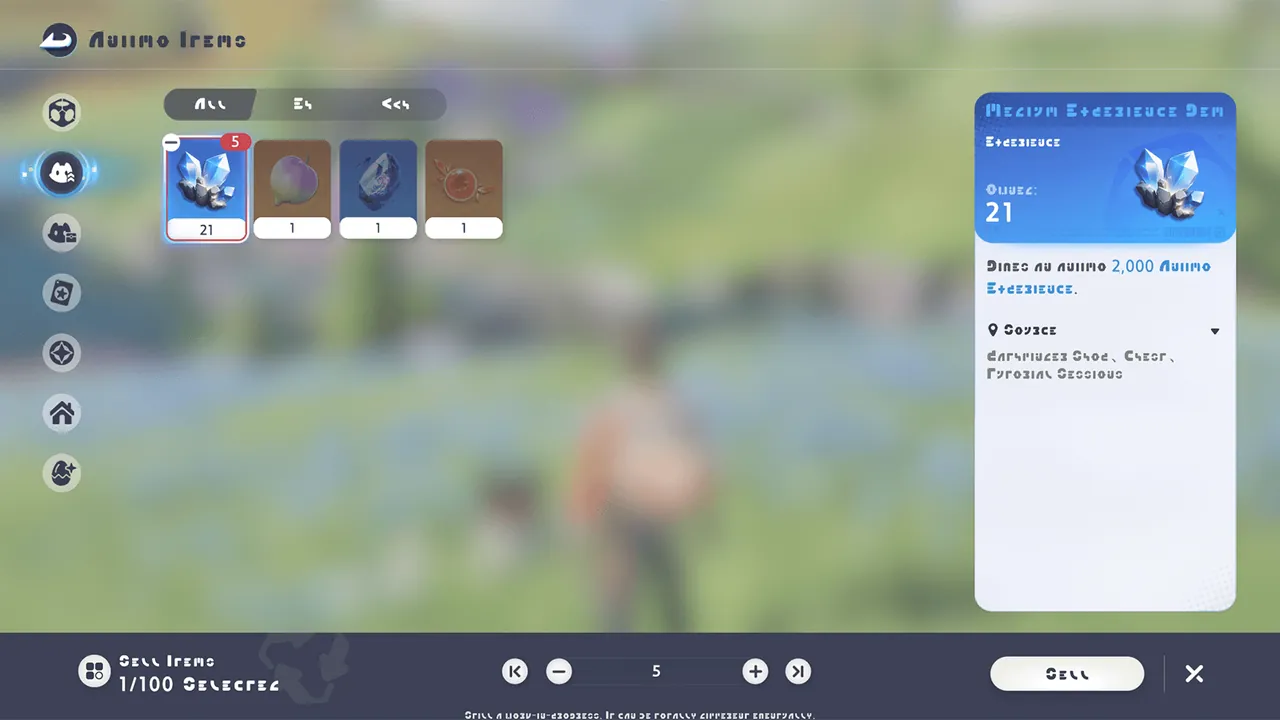 SellNot sure what to do with extra items? Sell them from your Inventory to earn Credits. Be careful! Sold items cannot be recovered.
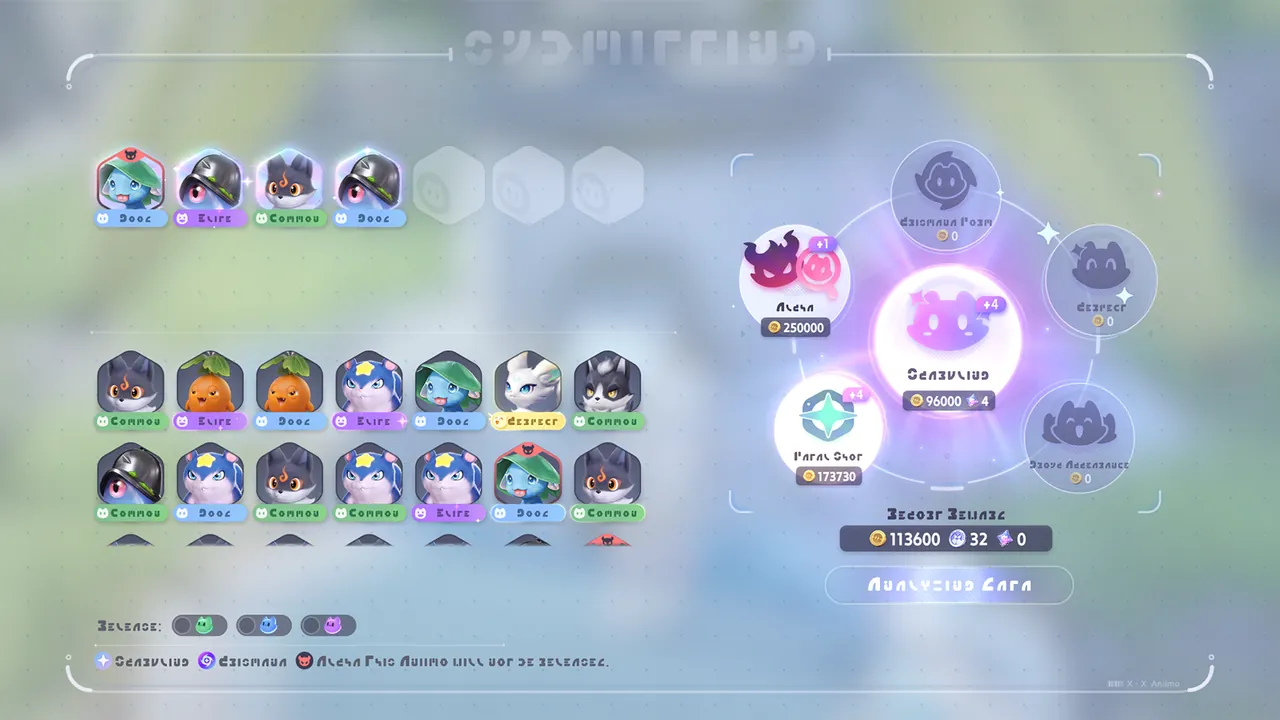 1/2ReportAfter catching Aniimo, head to an outpost to report your findings and claim rewards. Reporting caught Aniimo earns you Credits.
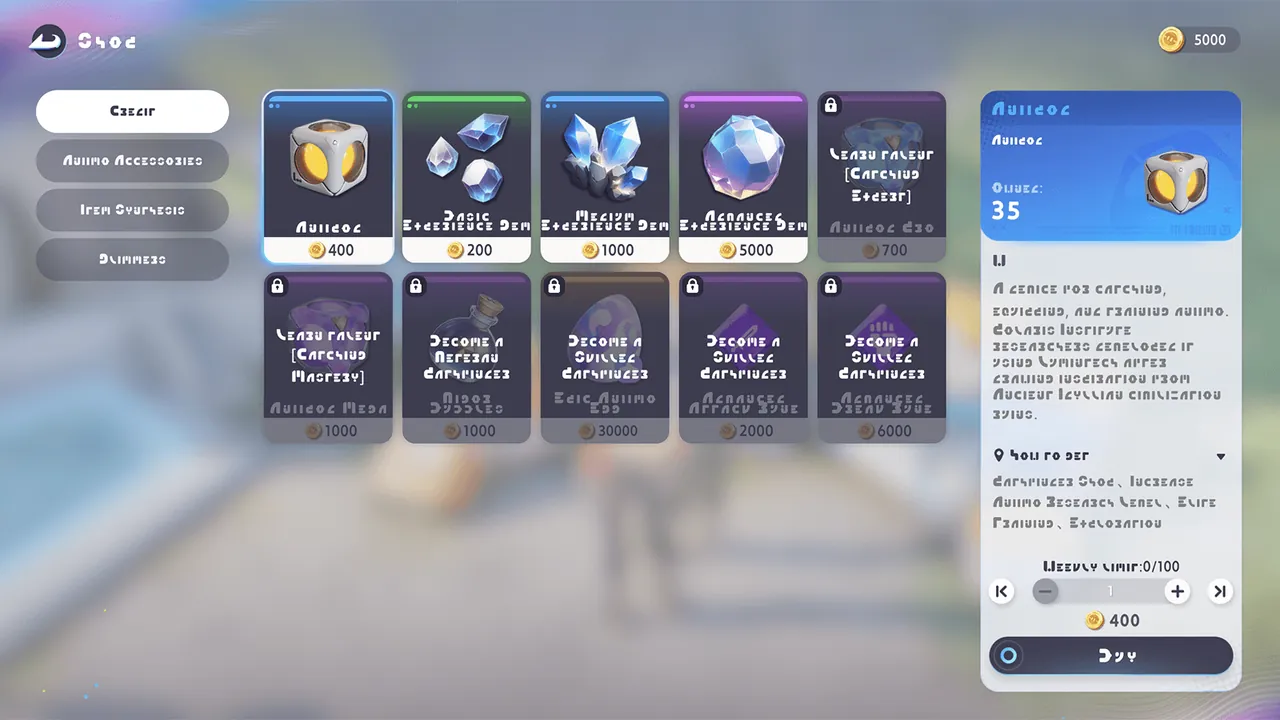 1/2ShopVisit Vendor Joff at the outpost or shops in Astra for essential adventuring supplies. Reach a certain title to unlock perks that let you bu
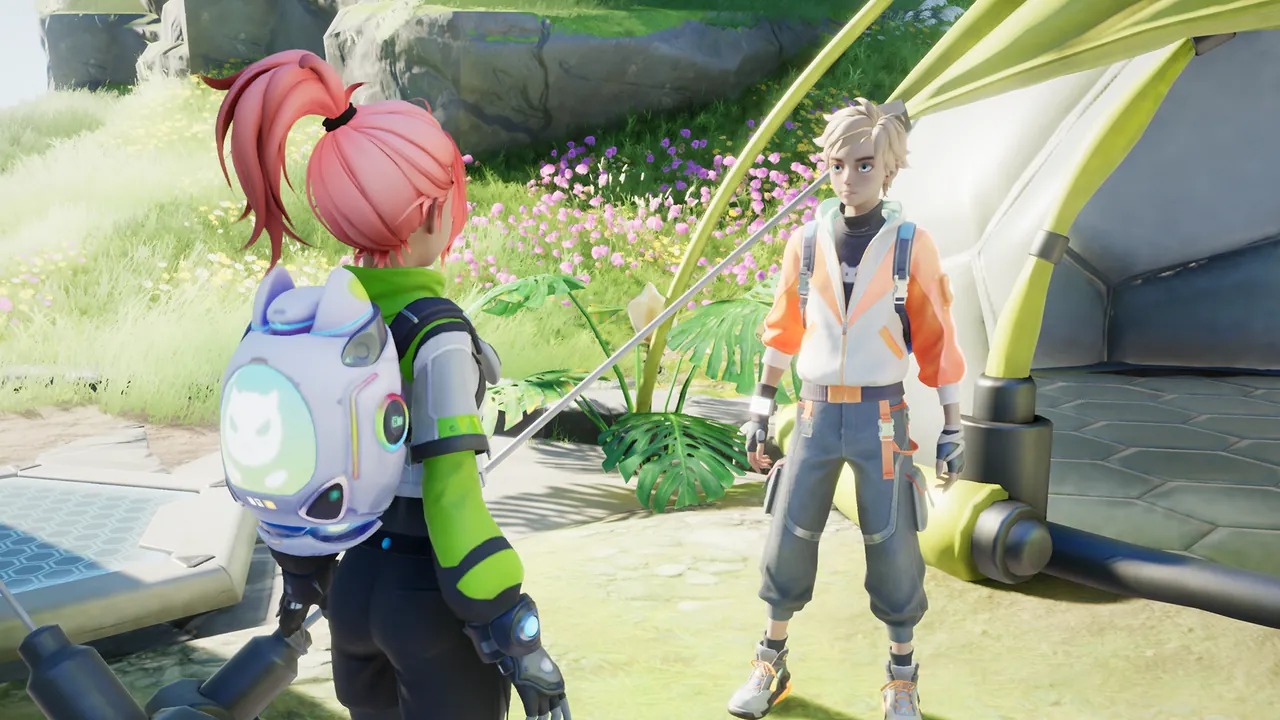 Heal AniimoWhen an Aniimo is injured, you can visit Healer Kim at the Outpost to heal it, or let it recover at a nearby Bonfire.
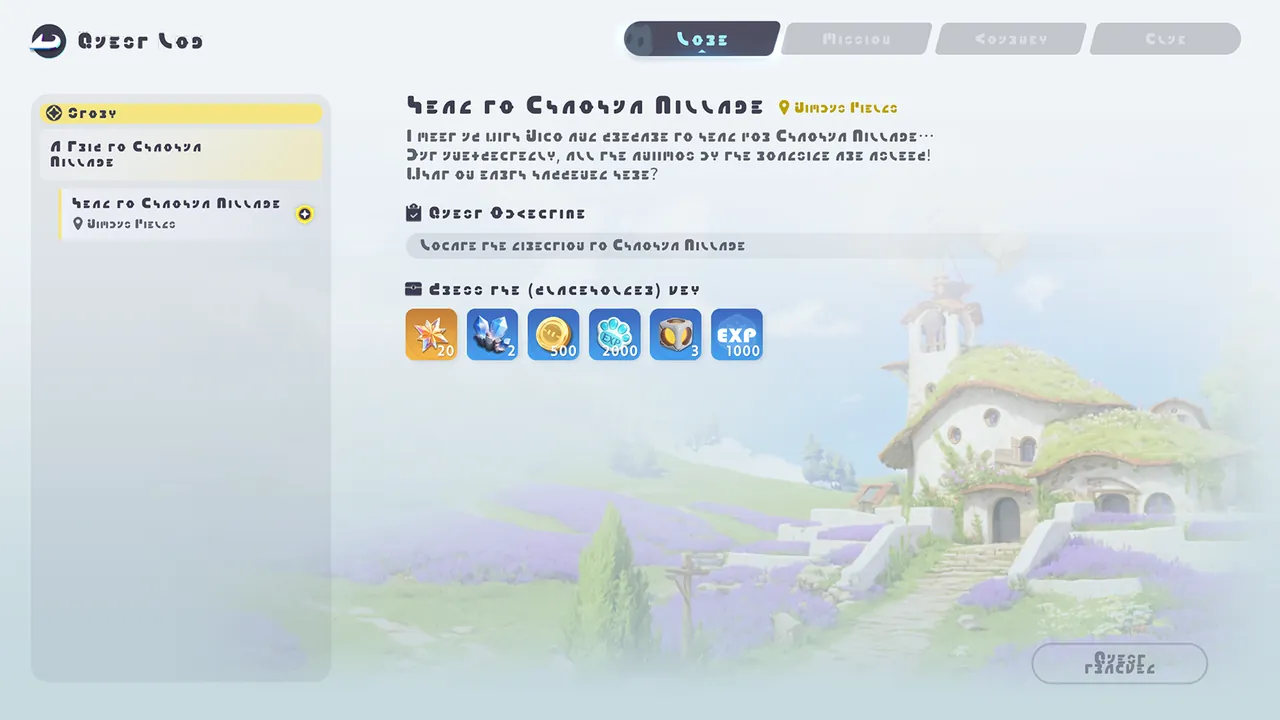 1/3LogFollow quest guidance to explore Idyll more easily. Complete quests to earn various rewards.
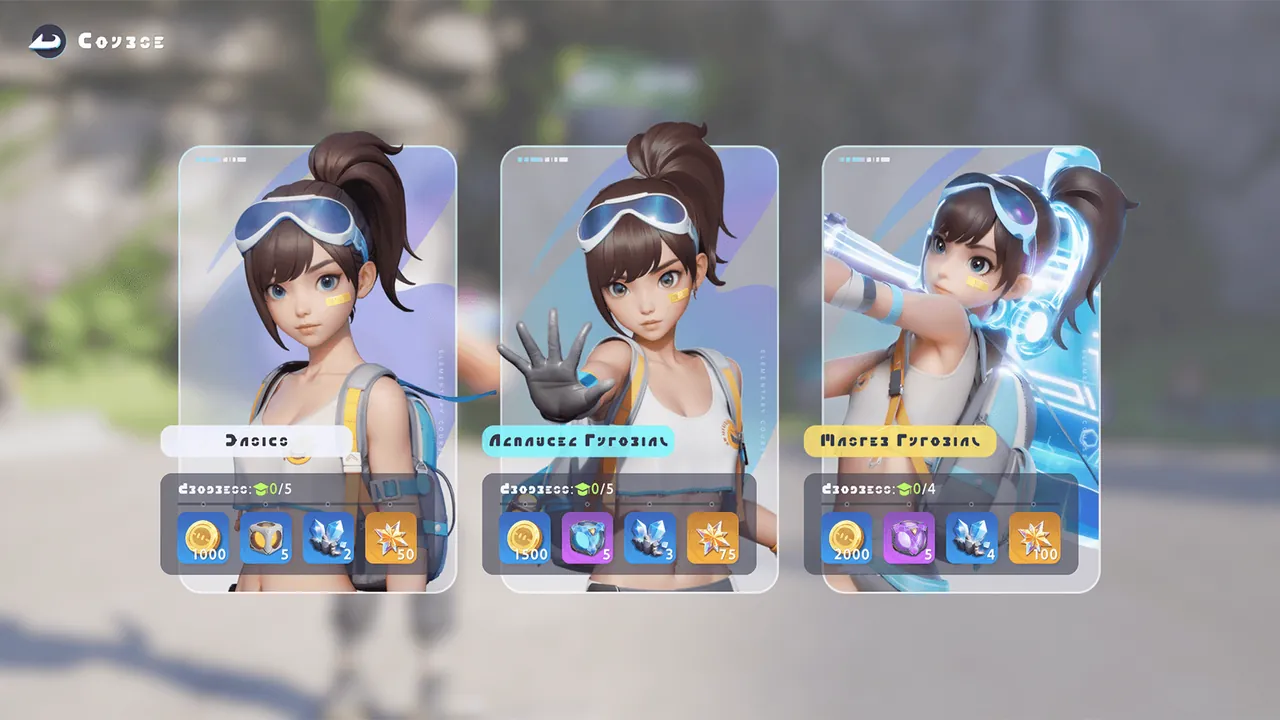 CoursesIn the Courses module, you can enter all kinds of tutorial stages. Complete each course to unlock rewards.
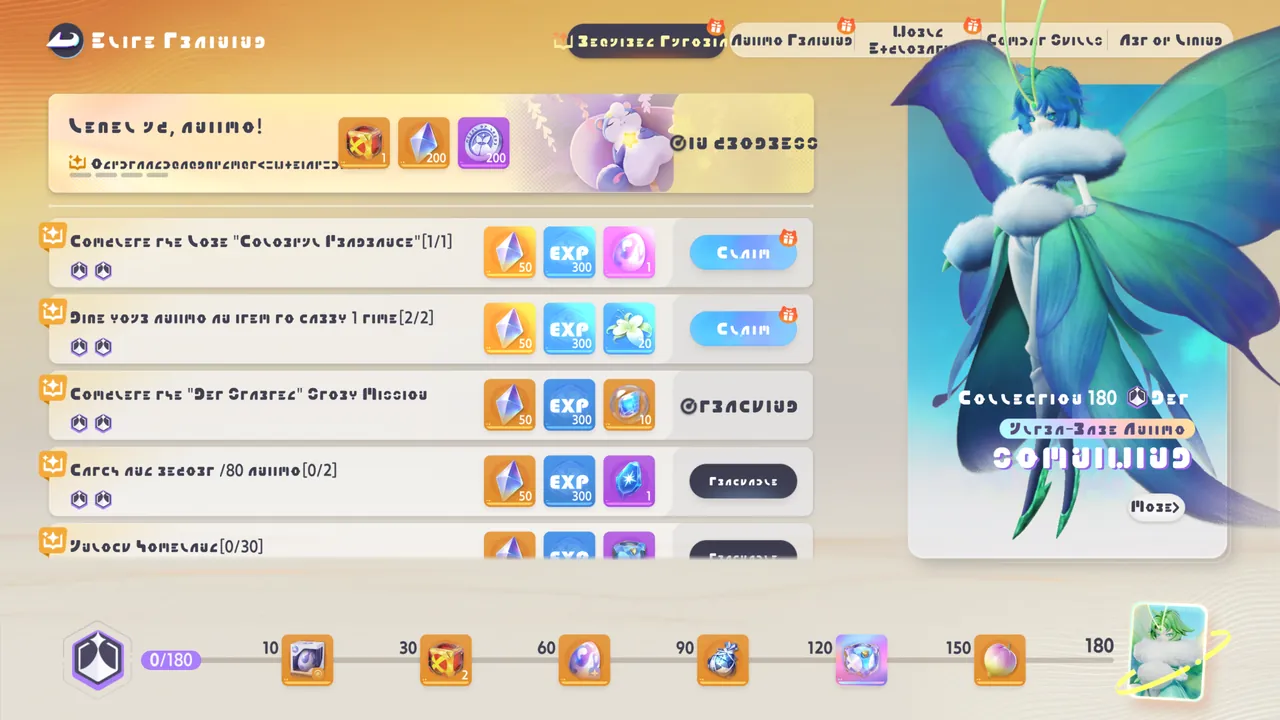 Elite TrainingThe Elite Training program makes you stronger and is the best choice to help you explore the World.
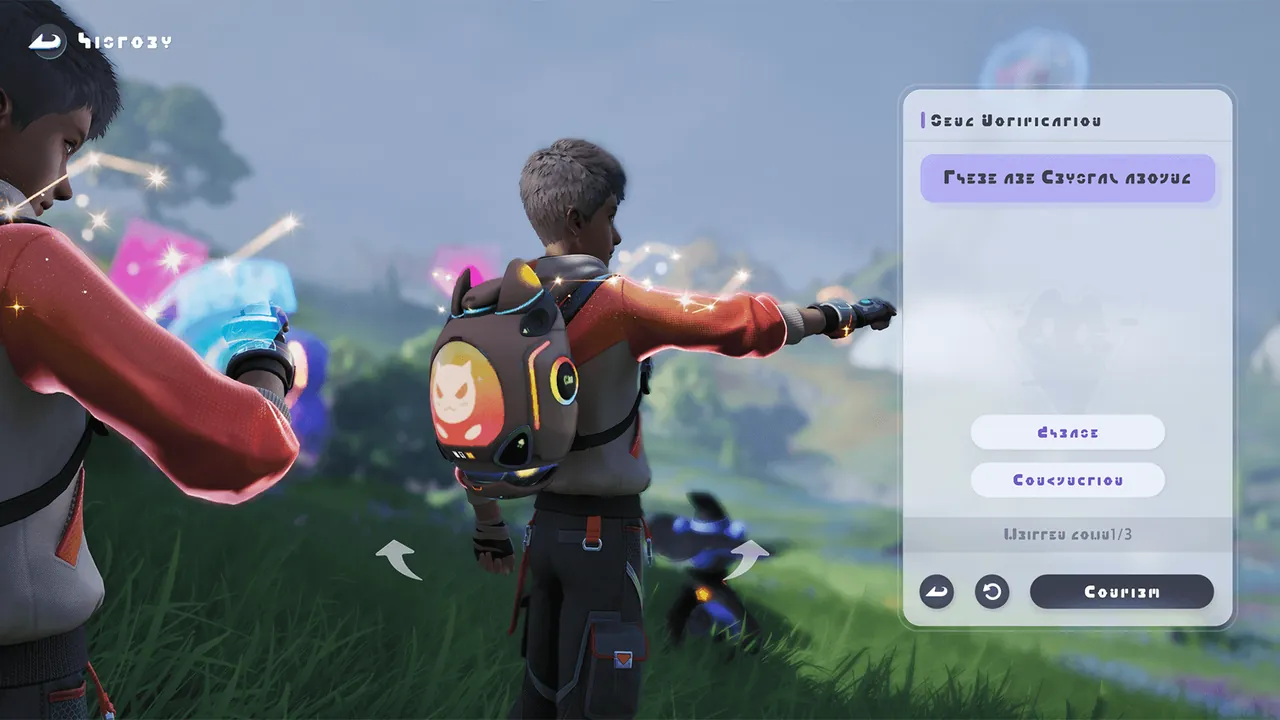 Mark SharingPathfinders can leave markers in the world and share content. Other Pathfinders will be able to see what you leave behind.
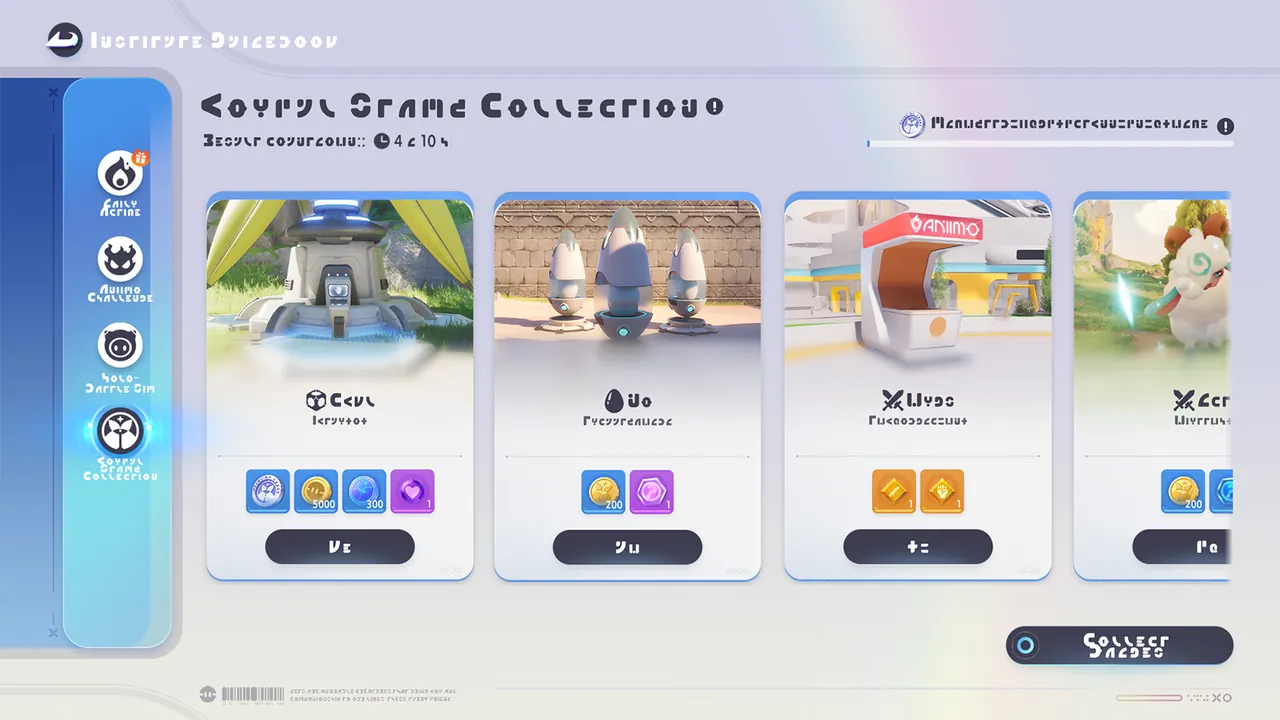 1/4Stamp RushStamp Rush is an event co-held by the Polaris Institute and several other big corporations in Astra, meant to honor those who have made outs
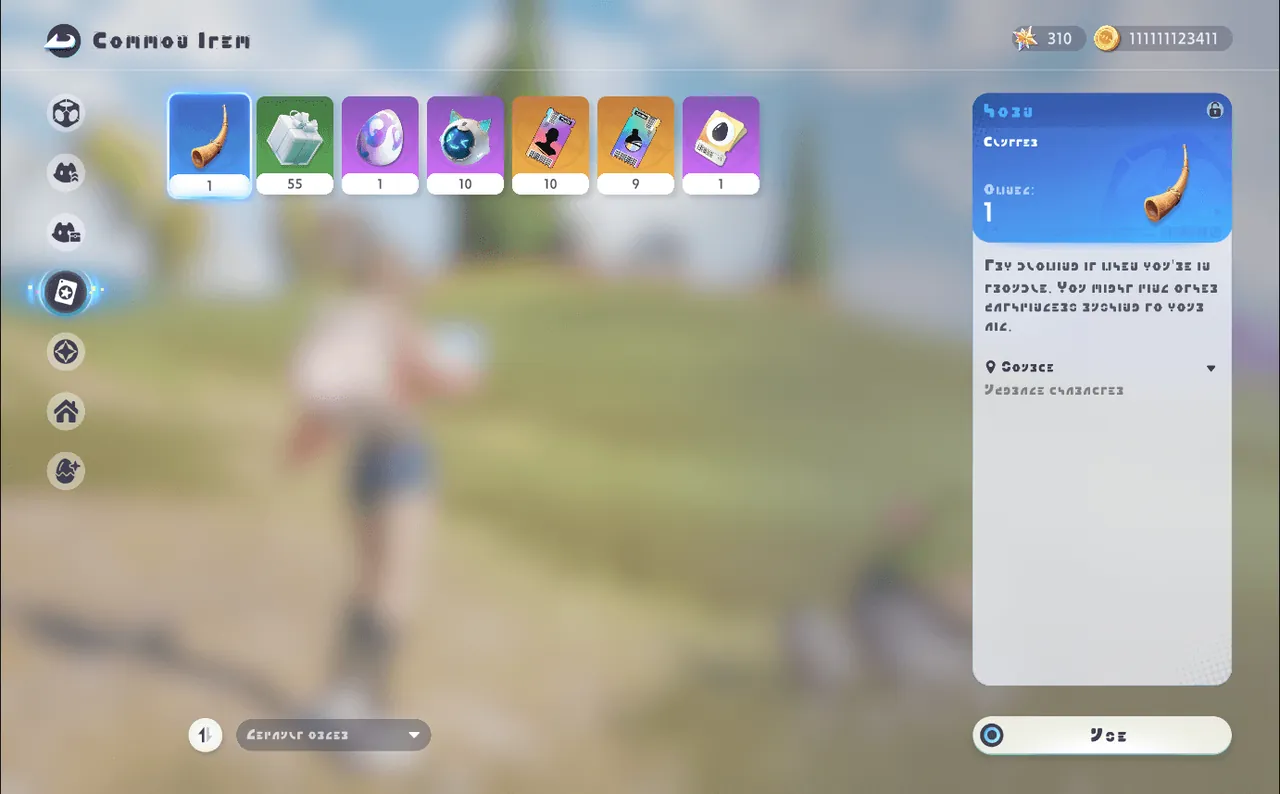 HornYou’ll receive the Horn upon reaching Level 10 as a Pathfinder. Use it from your inventory when in trouble—blowing it may summon fellow Path
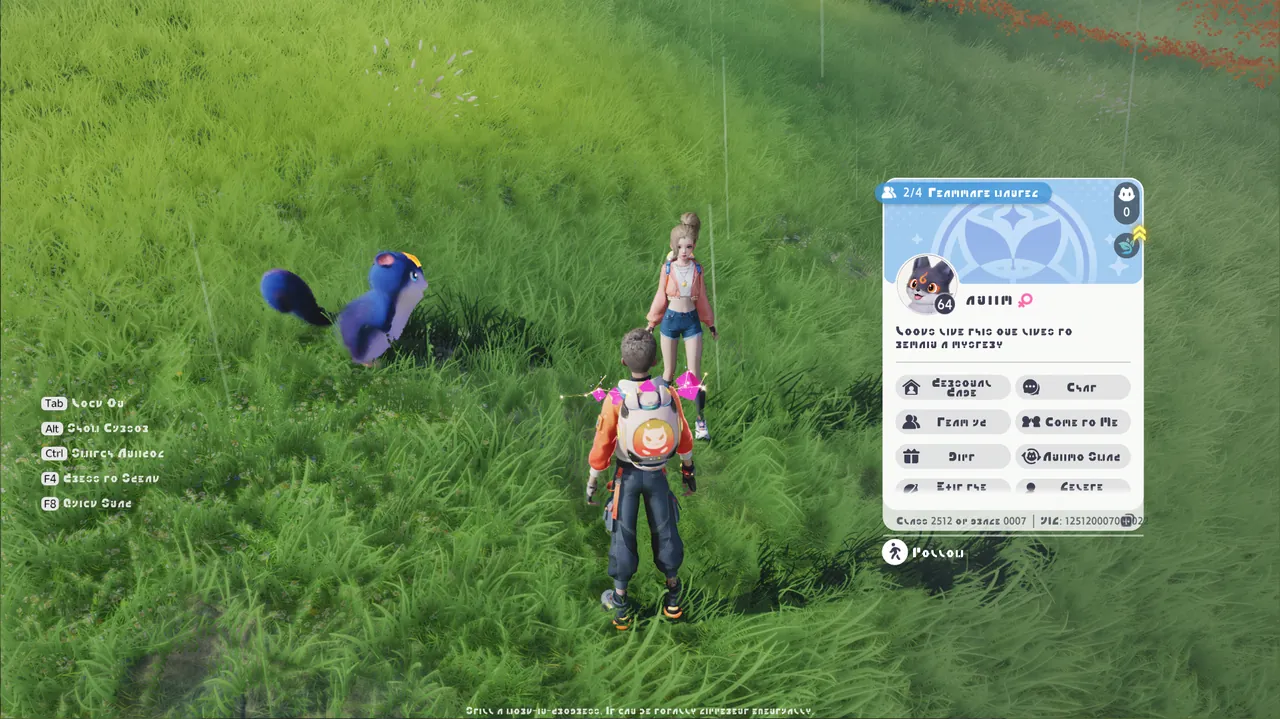 ProfileWhen near another Pathfinder, you can press F to view their Profile and interact with them.
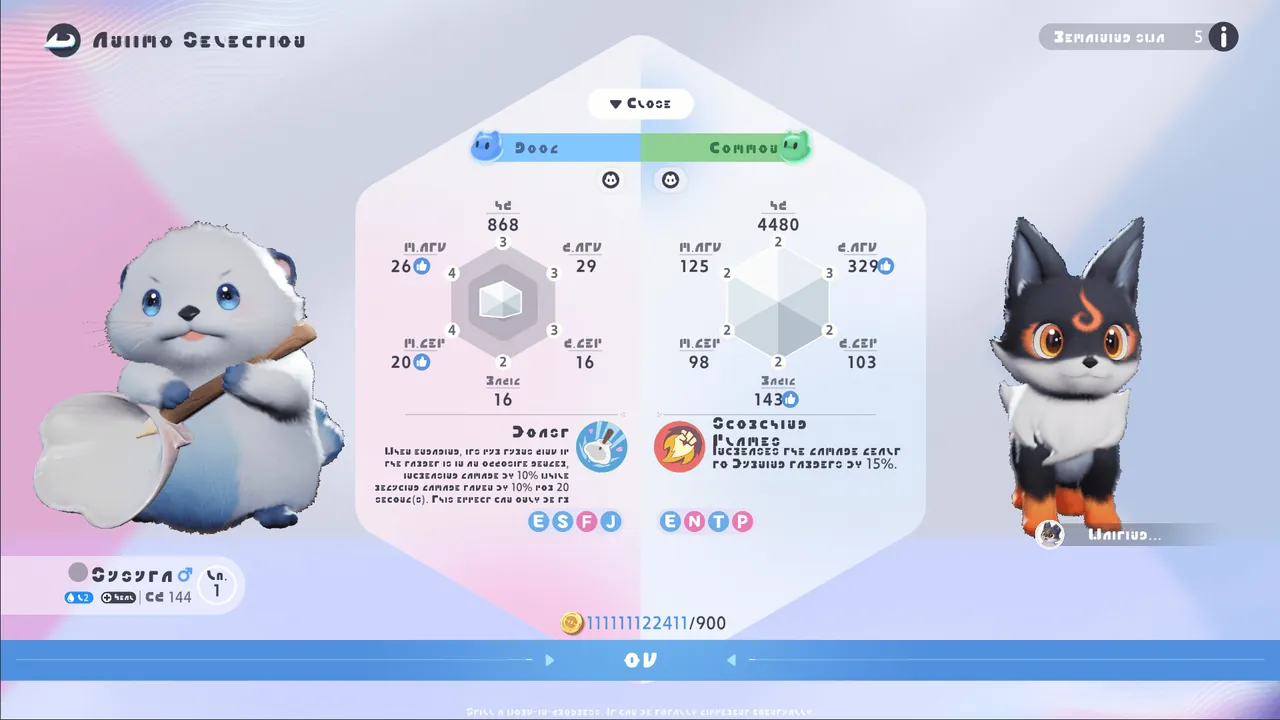 Aniimo ExchangeClick the Student ID to exchange Aniimos with friends and discover their diversity!
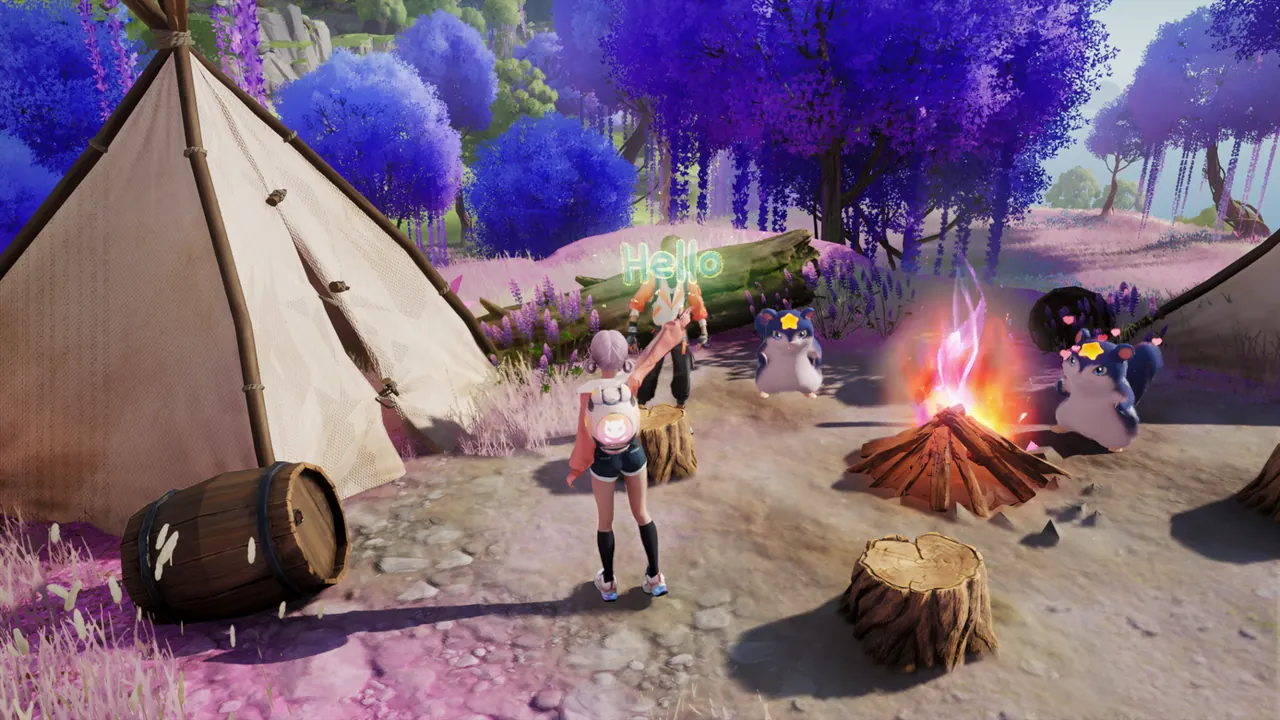 GesturesDon’t forget to greet other Pathfinders you meet using Interaction Panel!
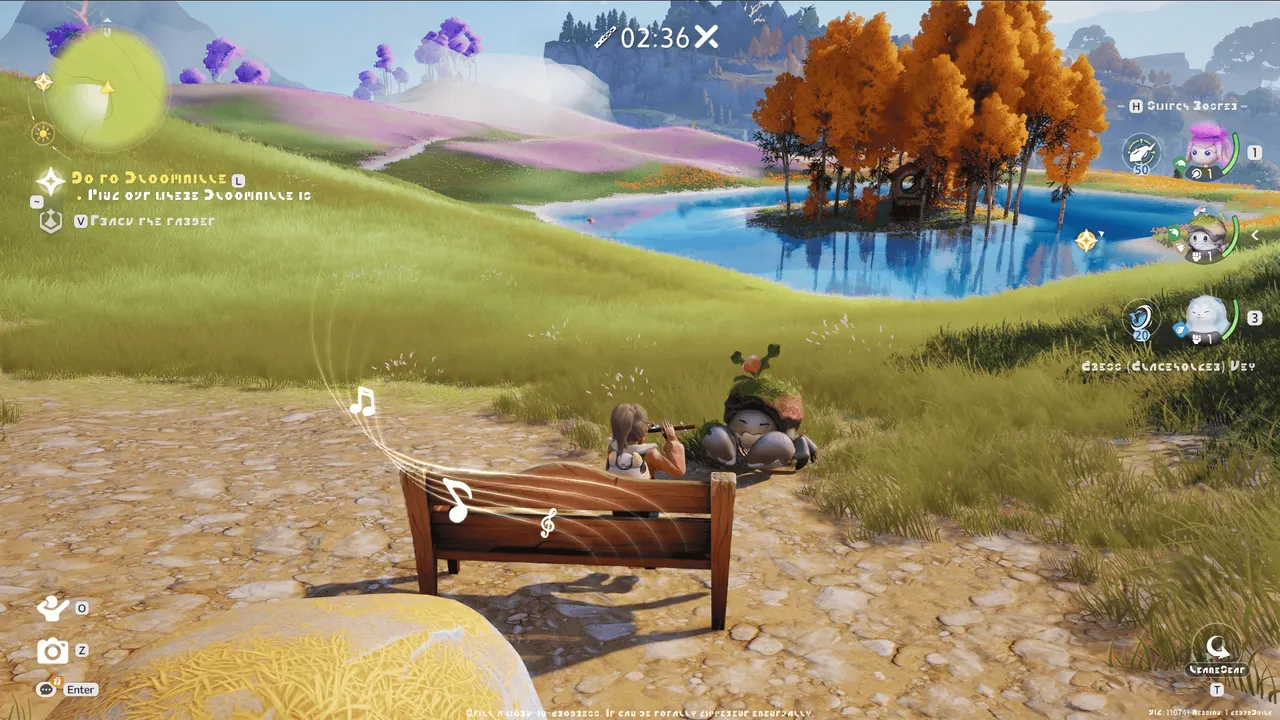 Seeking Friend with the FluteYou can play the flute via the Interaction Panel—perhaps a nearby Pathfinder will hear and respond to your melody!
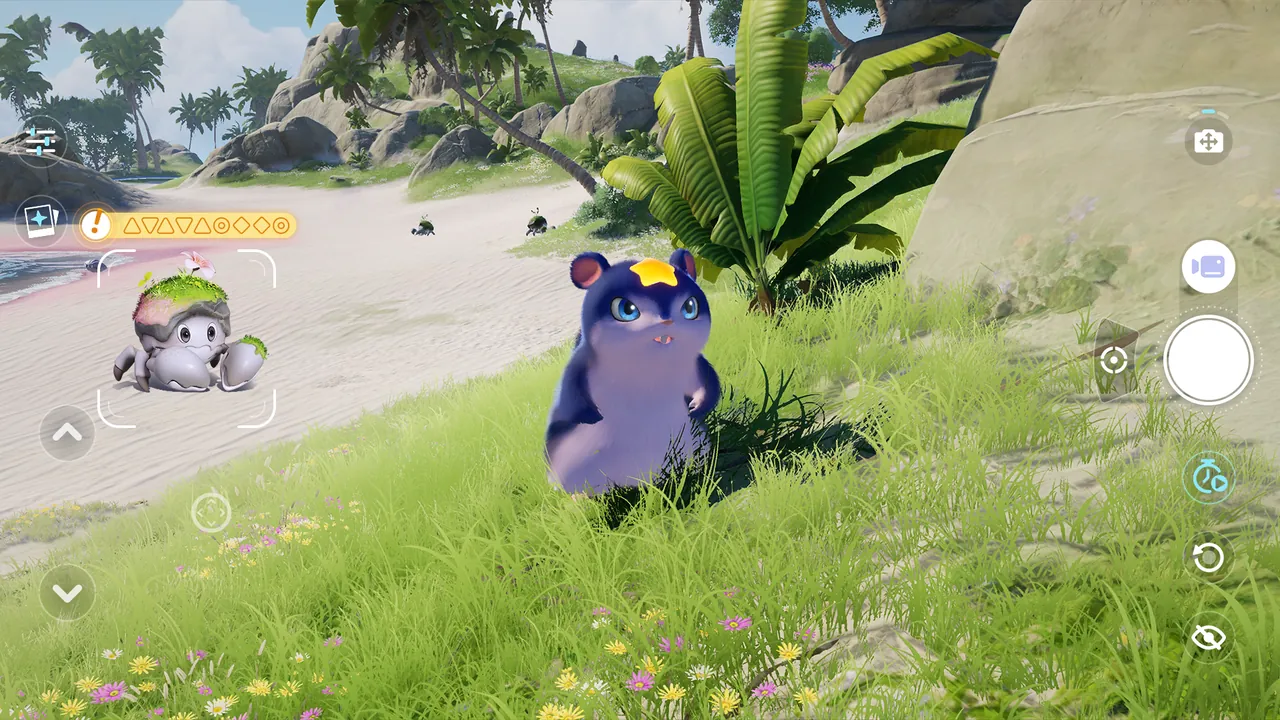 1/2Who’s That Aniimo?During the "Who’s That Aniimo?" event, the camera can recognize Aniimo forms. Enter Camera Mode through the event camera entrance. If today’
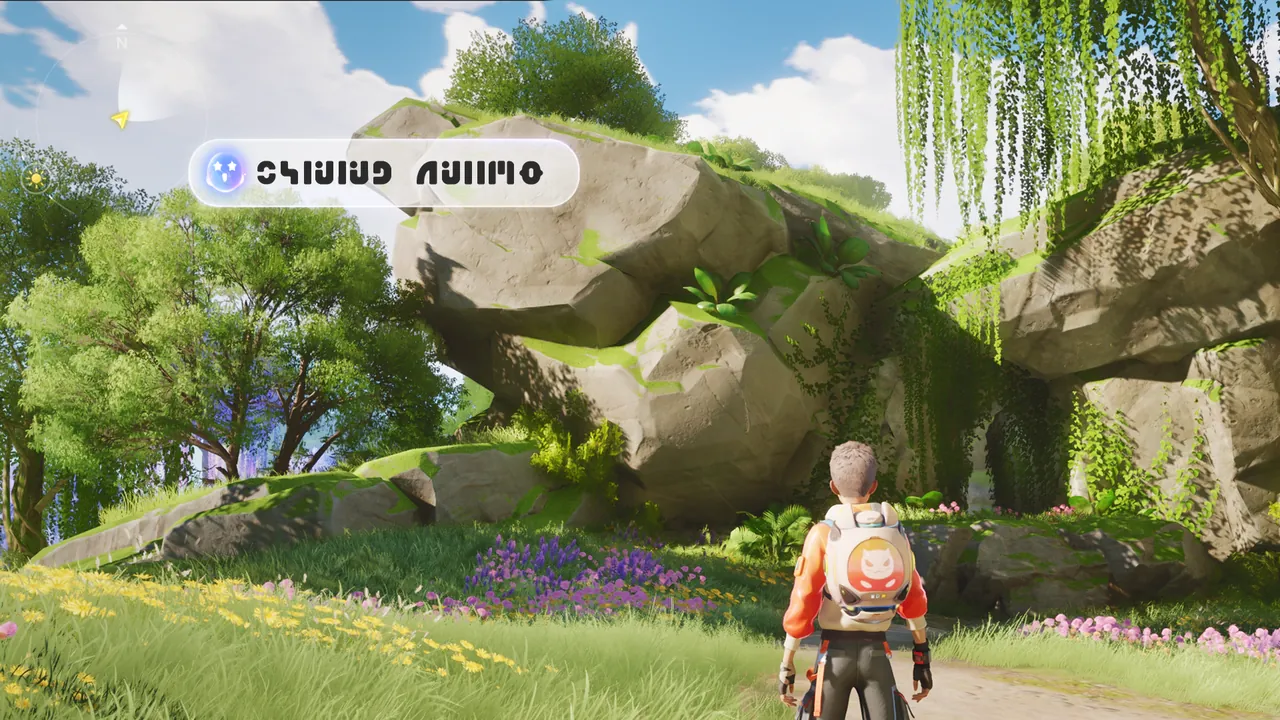 BINI #9: UpgradedThe upgraded BINI #9 has stronger detection features. When it senses something important nearby, it will alert you right away.
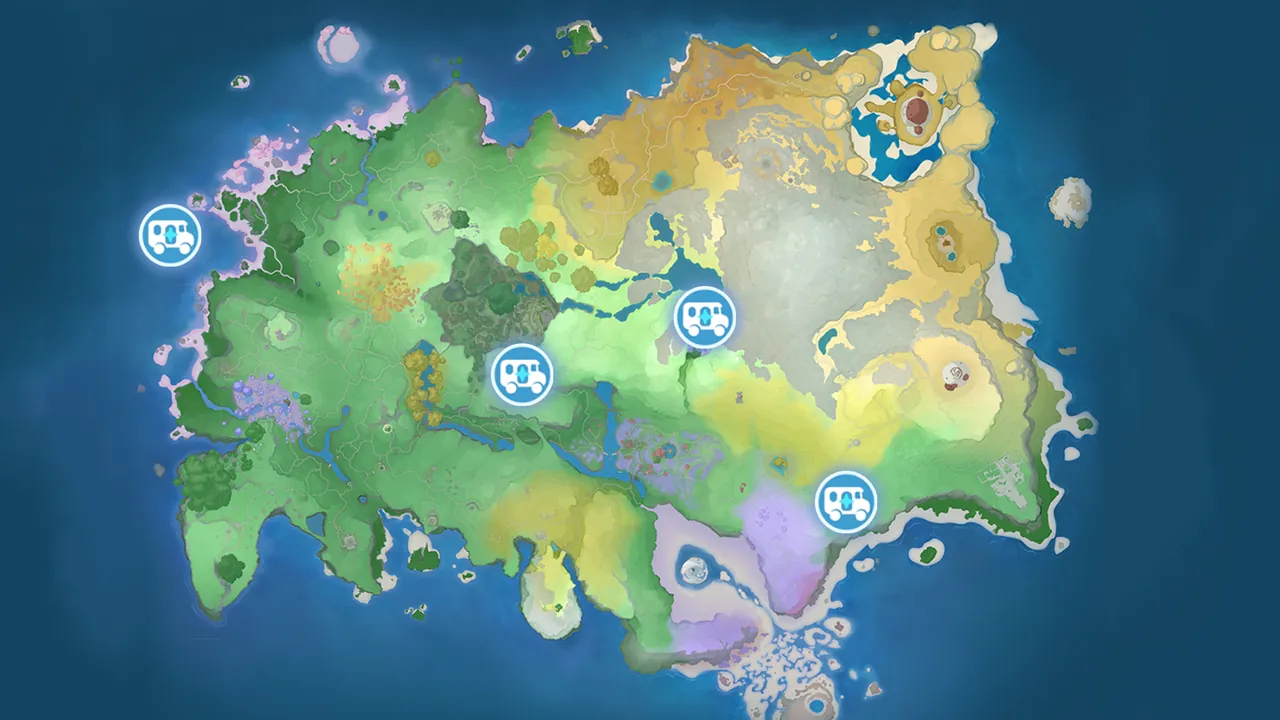 RV ParkThere are four RV Parks on the Breezy Plains. Find each park keeper to activate and join a different RV Park. RV Parks continuously restore
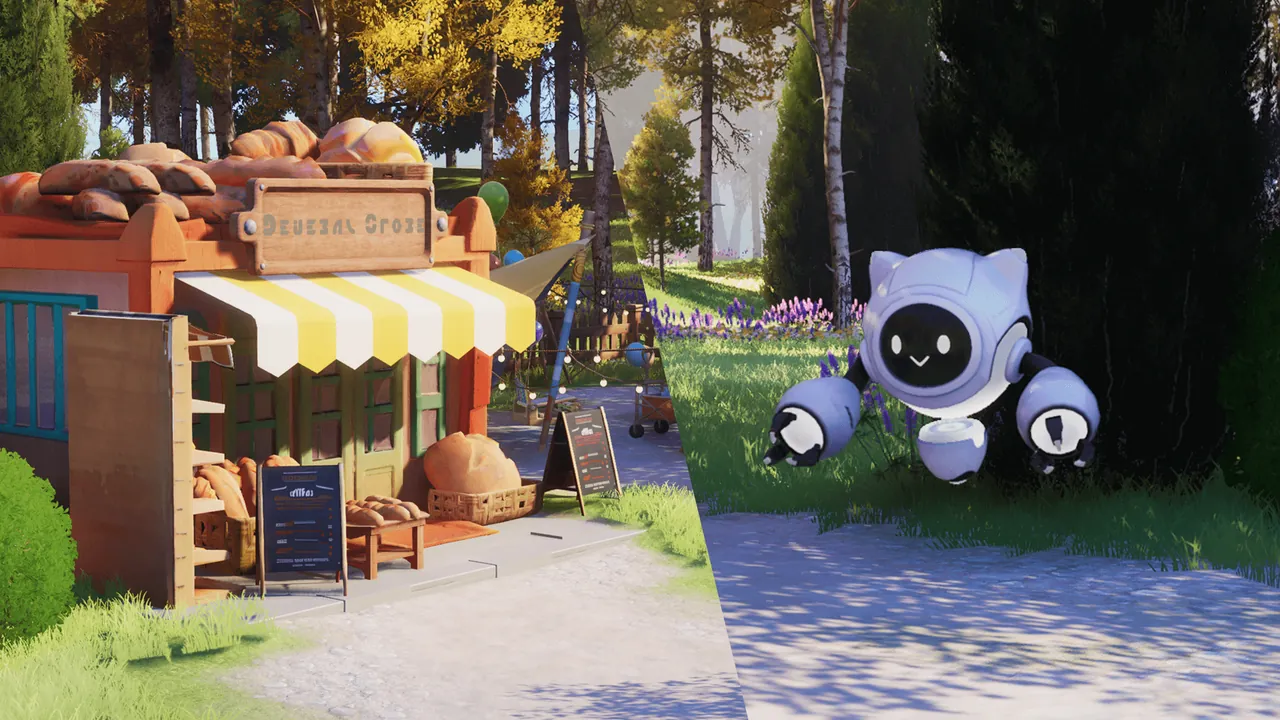 How to Get Home CoinComplete Home orders, or sell Home products and Home materials gathered across Idyll at the Home Co-op Store to earn Home Coins.
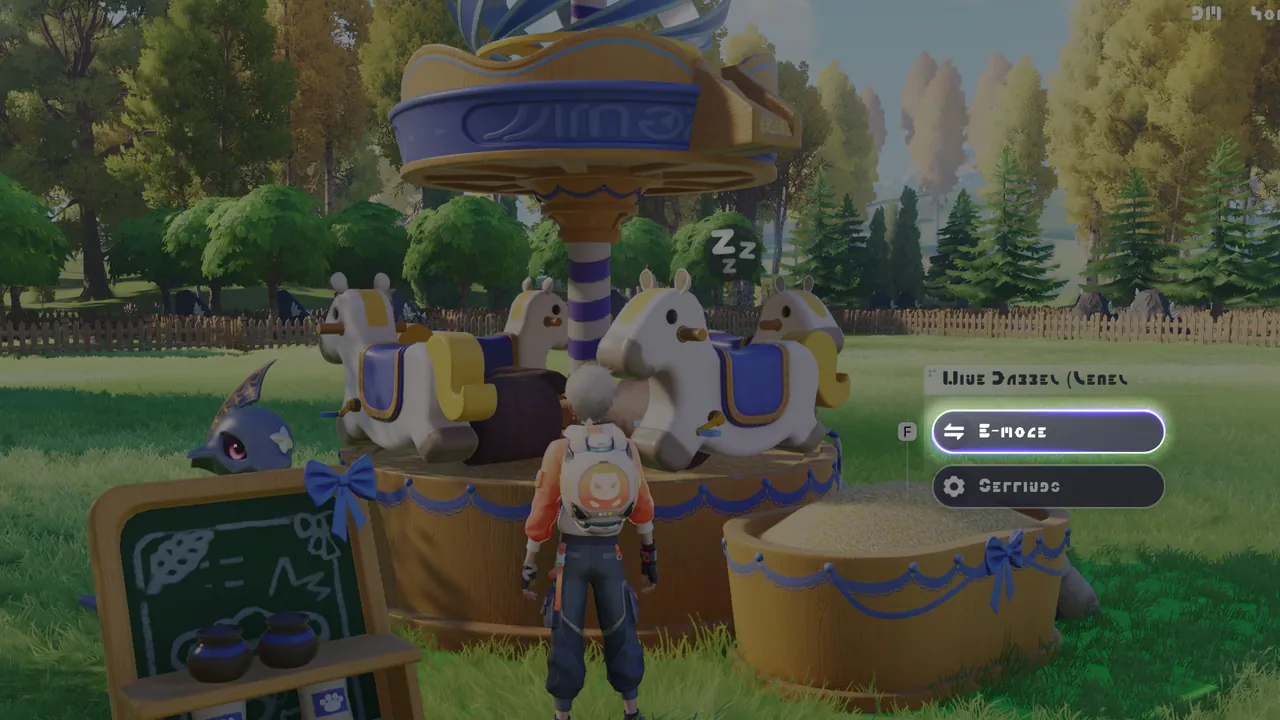 1/3Home Power SystemUpgrade your RV to Level 12 and unlock the RV Electric Module to switch certain Home facilities to E-Mode.
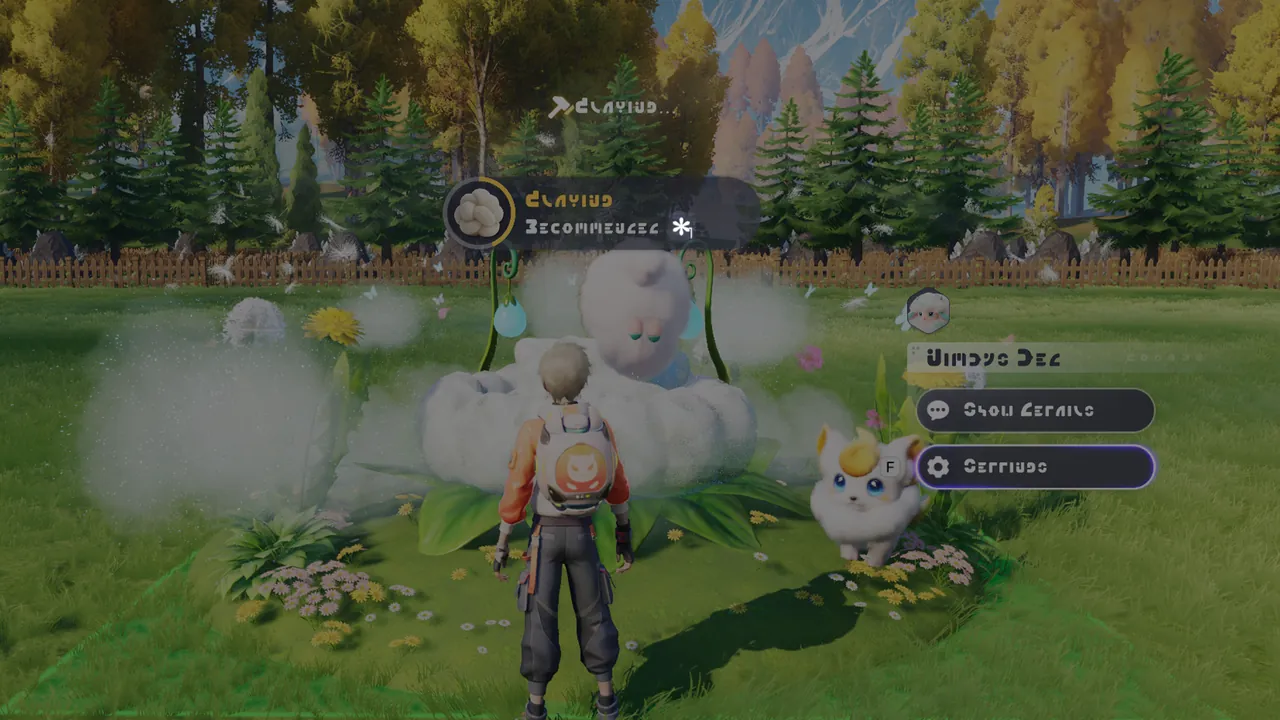 1/3Home Environment SystemSome materials need the right temperature or lighting before they can be produced. You can check these requirements when setting up producti
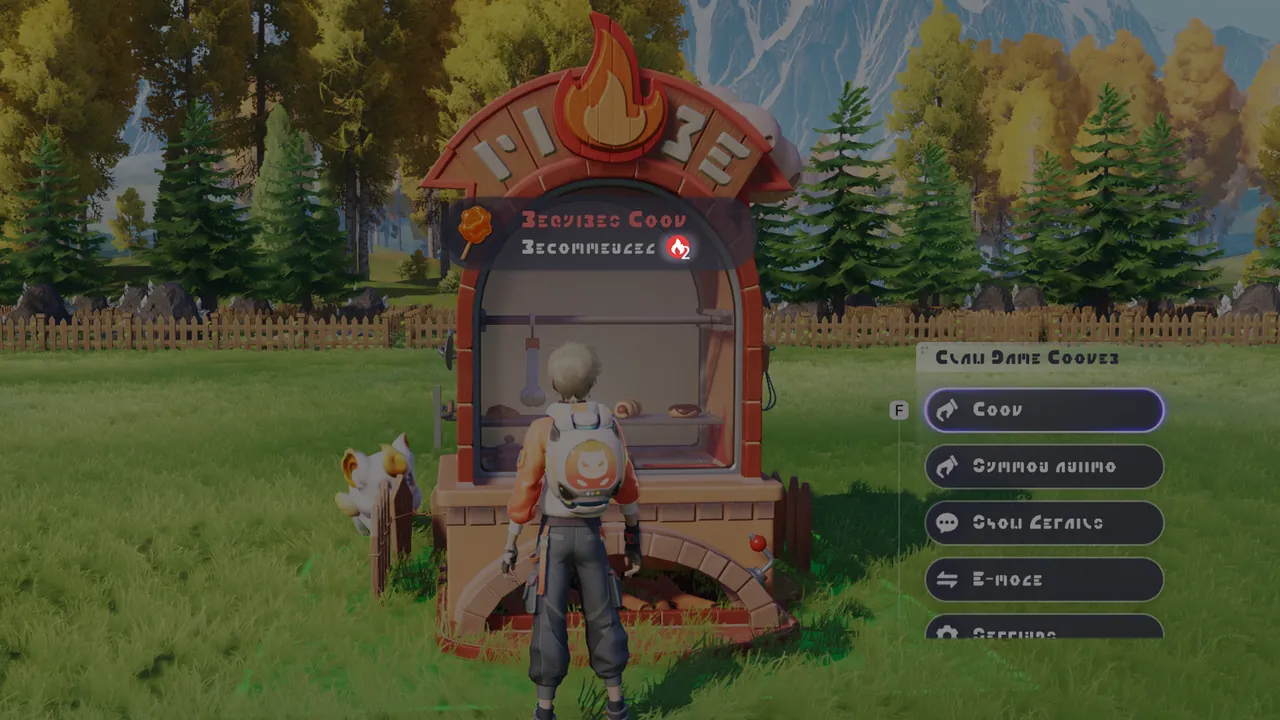 1/3Home Aniimo CollaborationAfter setting a production recipe, the facility will show the Home Ability needed for the current production stage. Aniimo that meet the rec
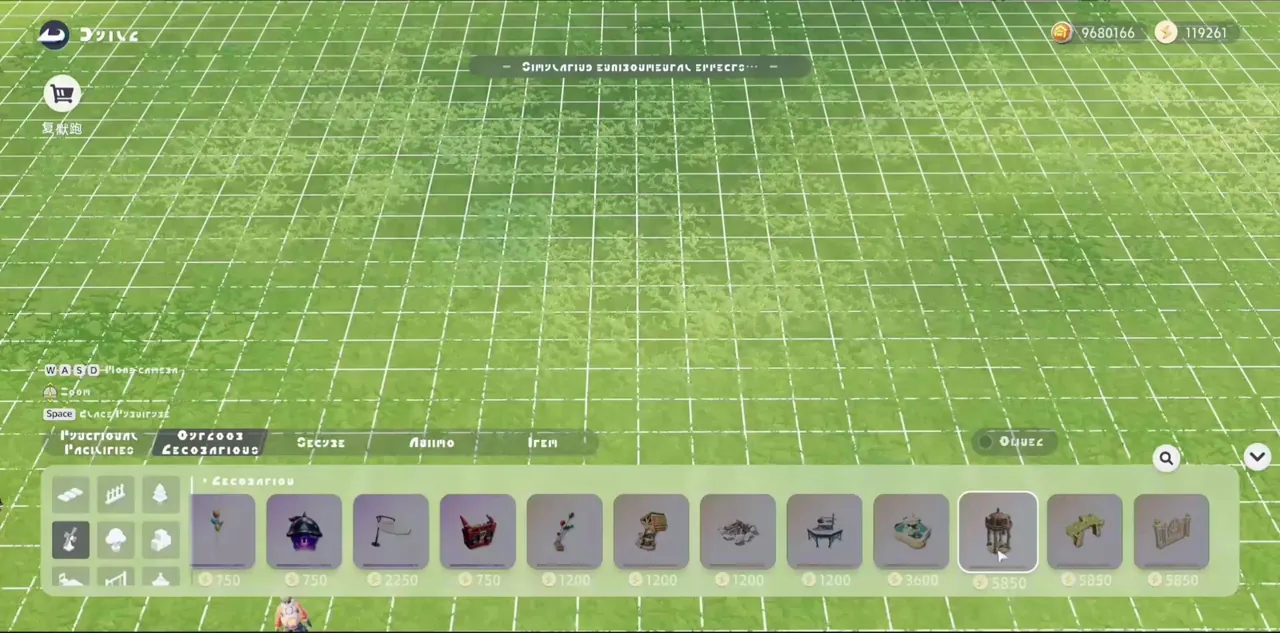 1/3Quick ConstructionIn Build Mode, you can drag furniture straight from the furniture list into your Home and edit its placement.
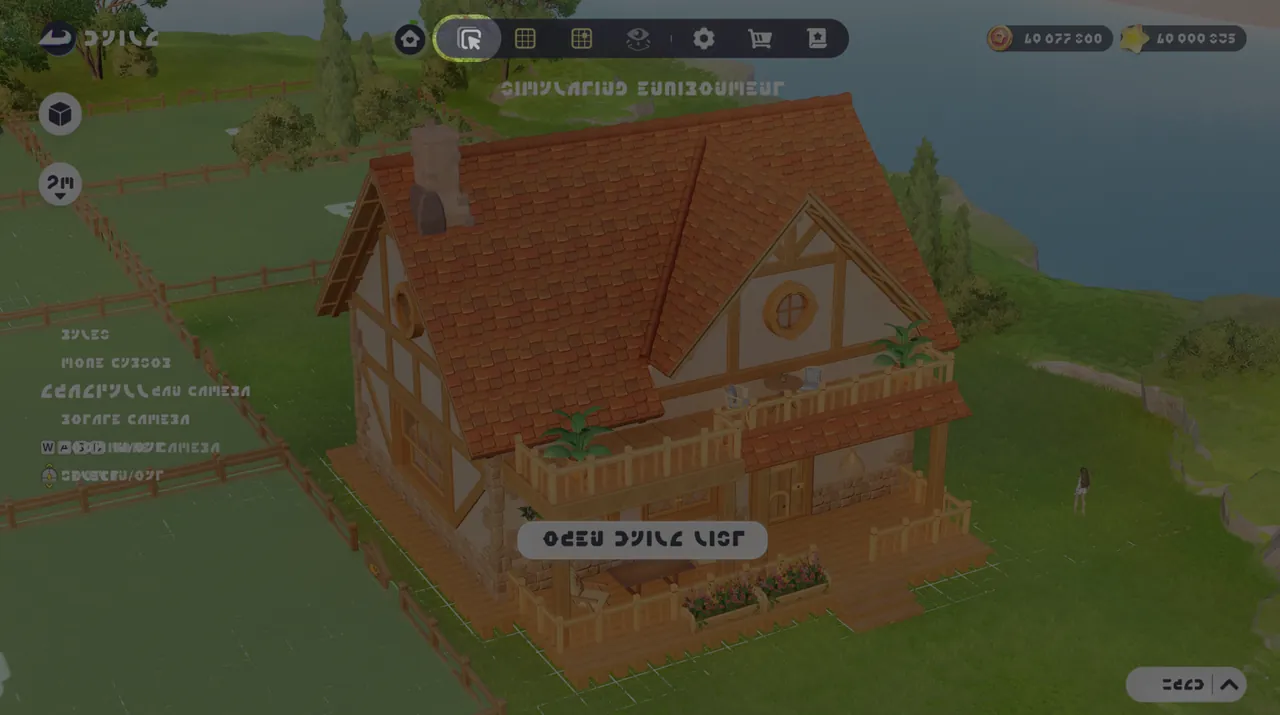 1/3Home Building: Multi-SelectIn Build Mode, tap the button at the top to enter Multi-Select Mode.
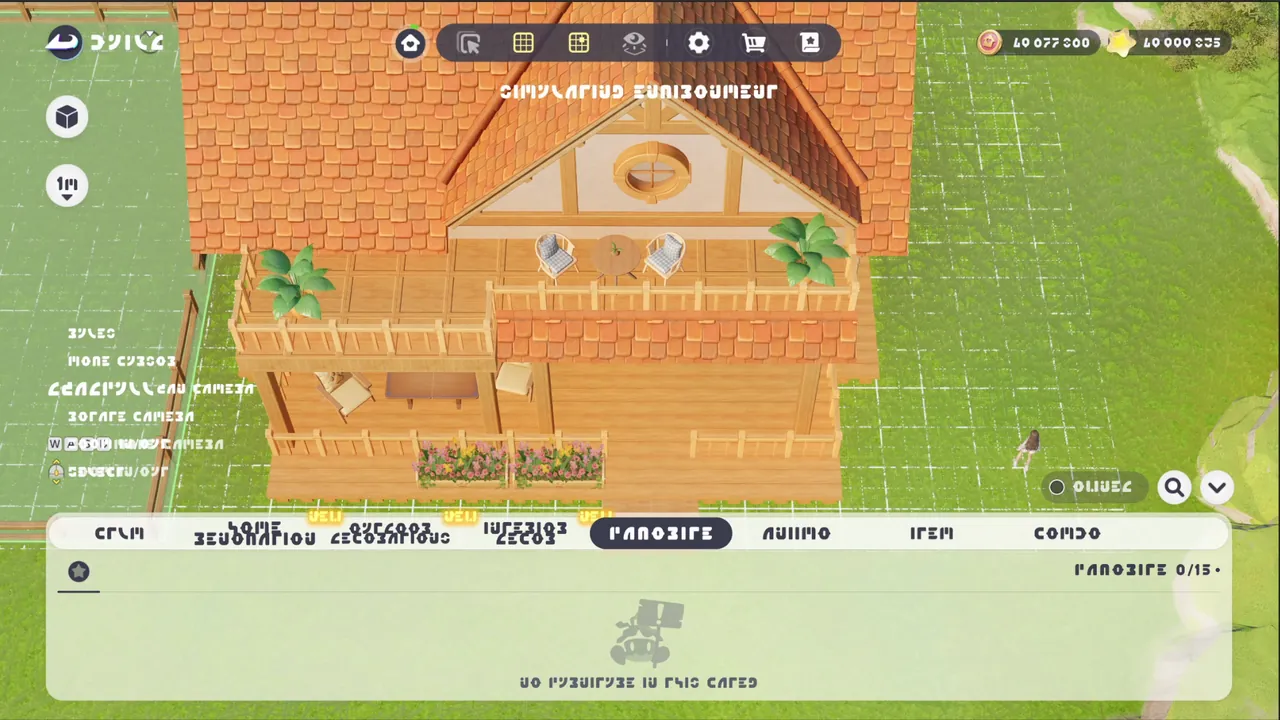 Build SettingsIn Build Mode, tap Settings to access more advanced building options.
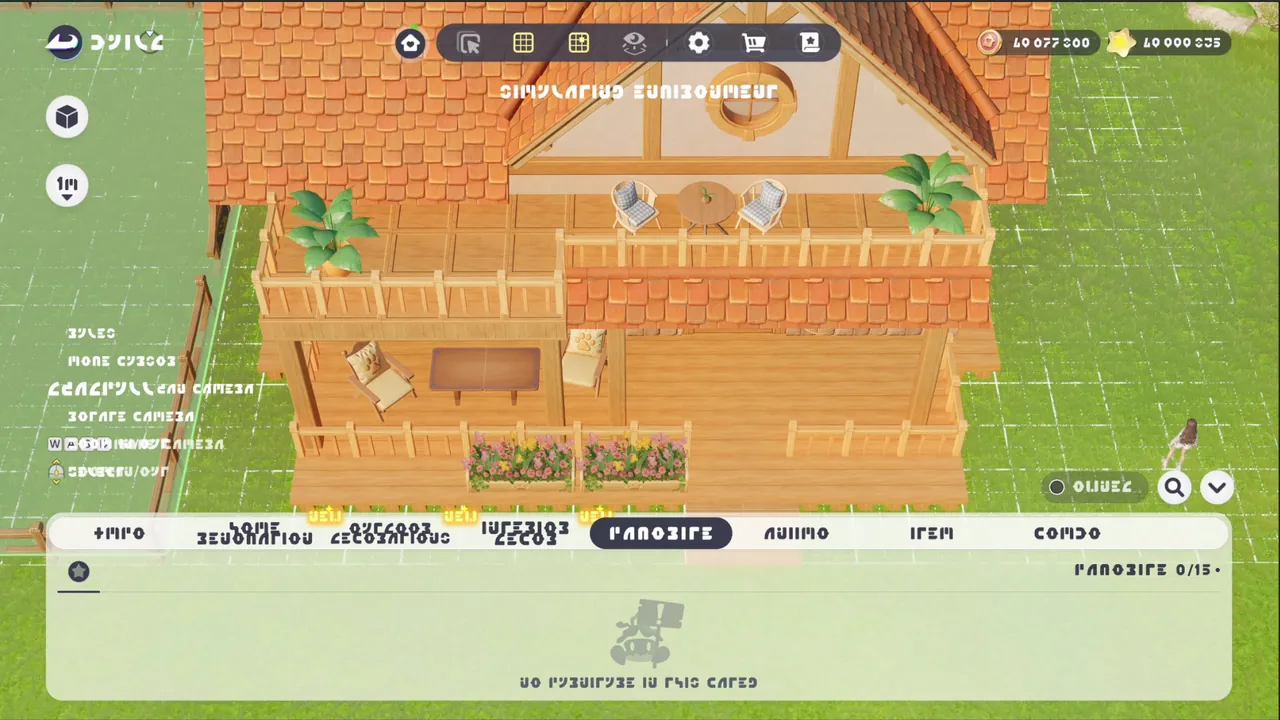 1/3Building Assist FeatureIn Build Mode, you can adjust the camera height using the side buttons.
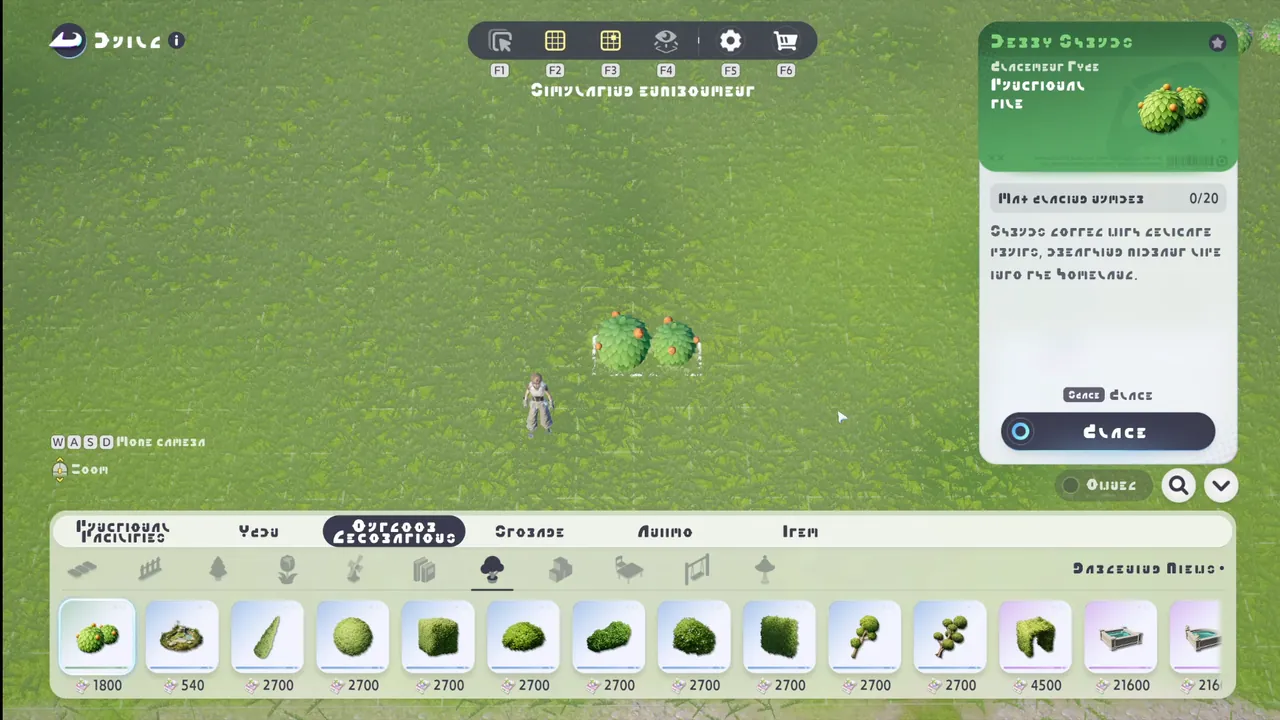 Continuous Purchase in HomeIn Build mode, press Settings and enable Continuous Purchase to buy and place the next matching piece of furniture.
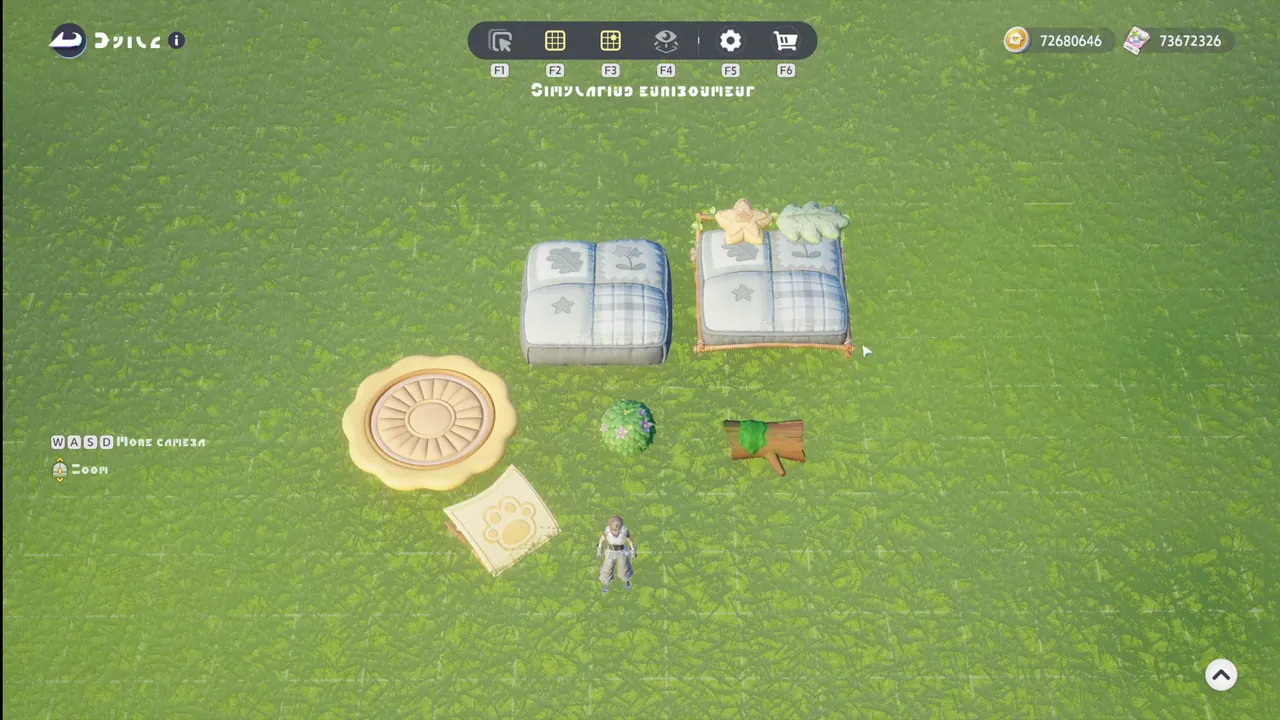 Quick Placement in HomeIn Build mode, press Settings and enable Quick Placement. Then select the next piece of furniture to start editing it right away, without pr
 1/2Aniimo TransmogTransmog parts include: Color, Wings, Body, Headwear, and Effects. Use the items Radiant Dreamshadow and Glimmering Driftshadow to change yo
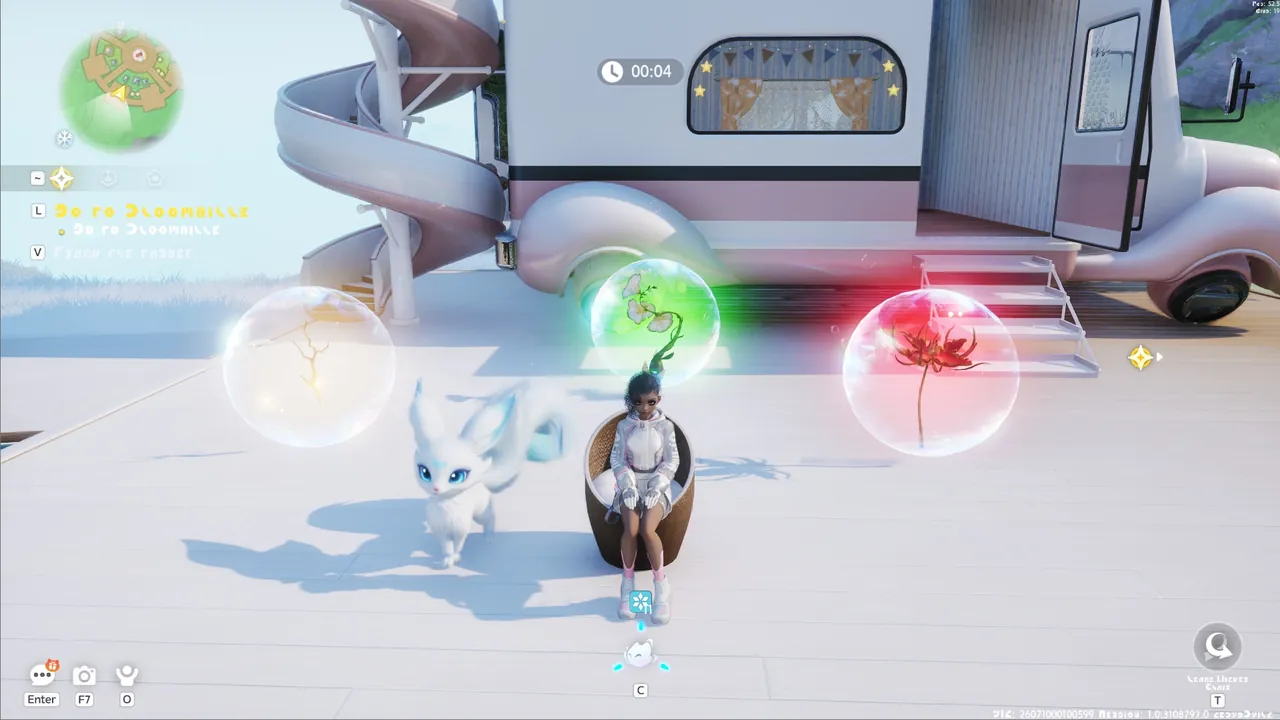 RV Park: EssenceRest for a while in a ride placed at an RV Park to gain the park owner’s Element Essence Buff effect.
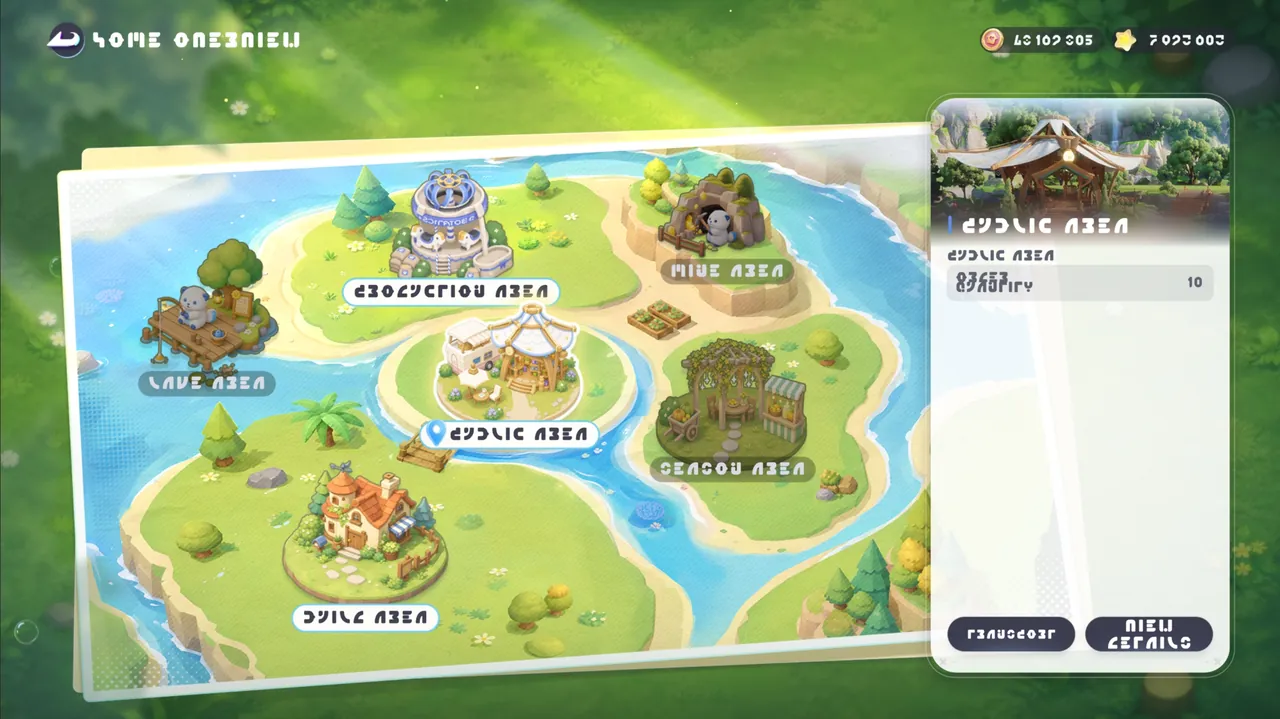 Home Management: Main PageOn the Home Management home screen, you can fast-travel between different areas of your Home and easily view the detailed info for each area
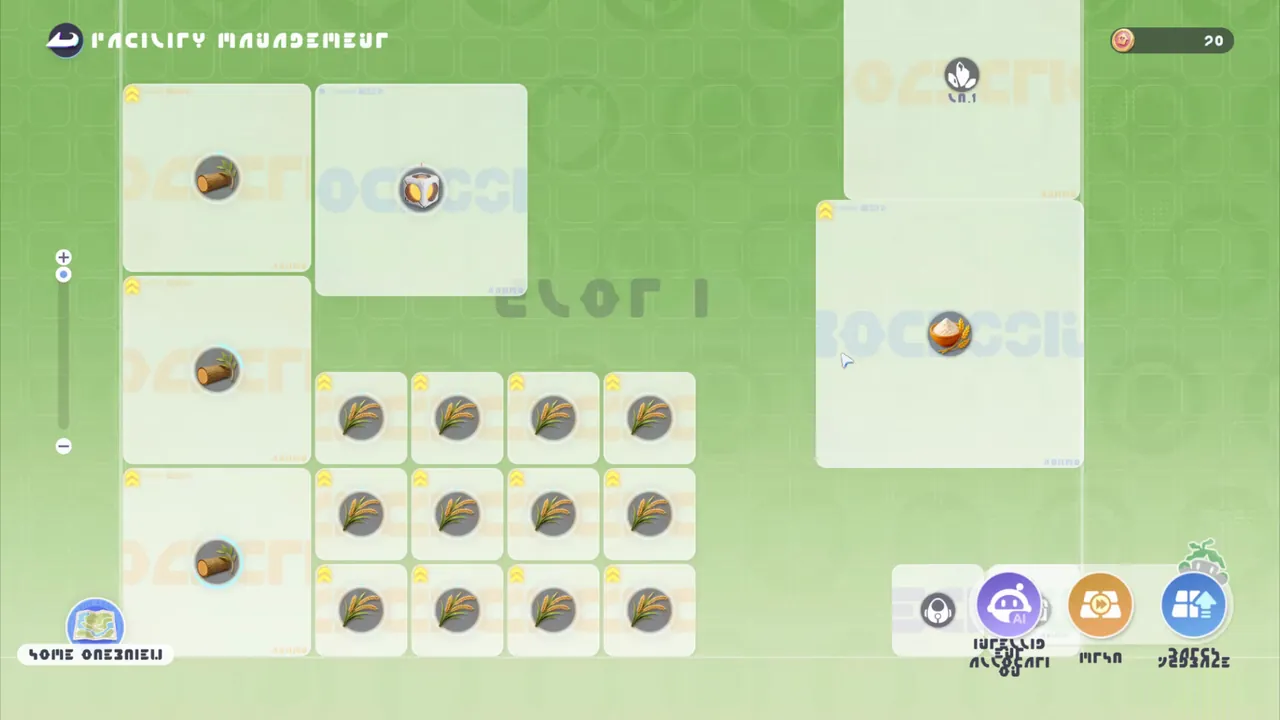 Home Management: ProductionIn the Production Zone, using Home Management lets you perform convenient batch operations such as batch recipe changes, batch facility upgr
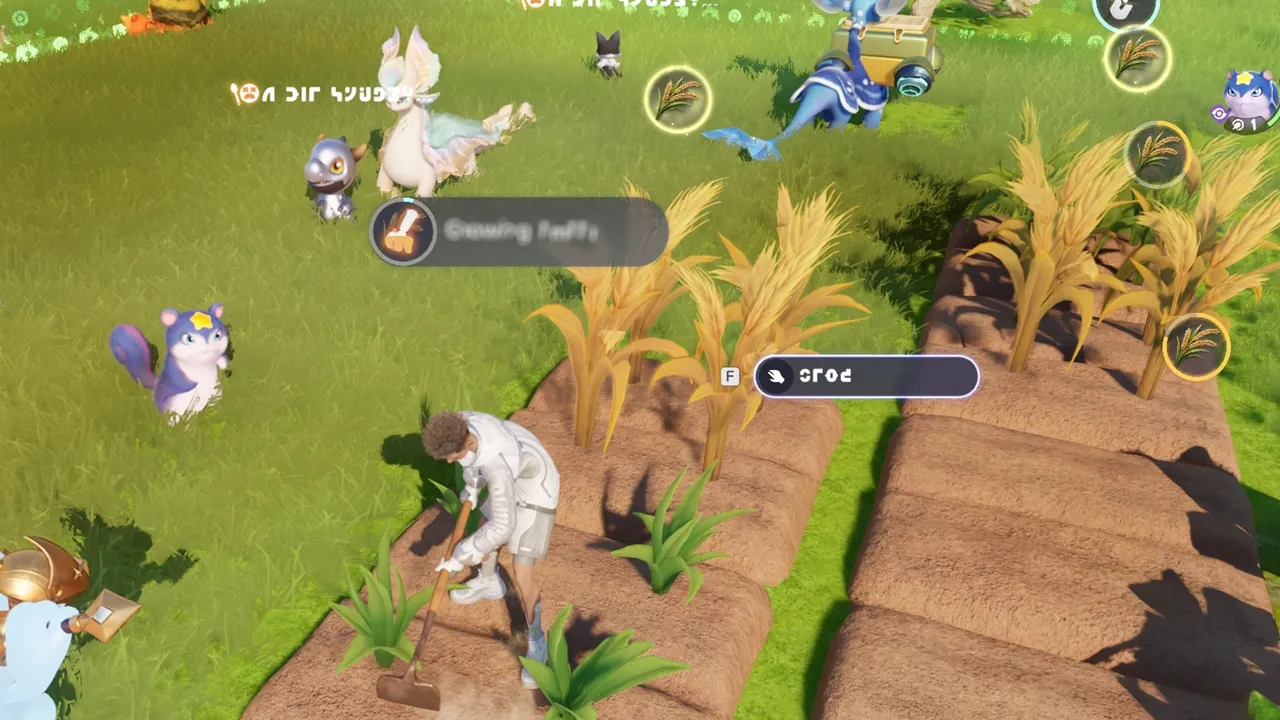 Home: Loosen SoilIn another player’s Home, you can help loosen the soil for their crops. As you help them, you’ll also get a nice little bonus reward!