Lock On
 1
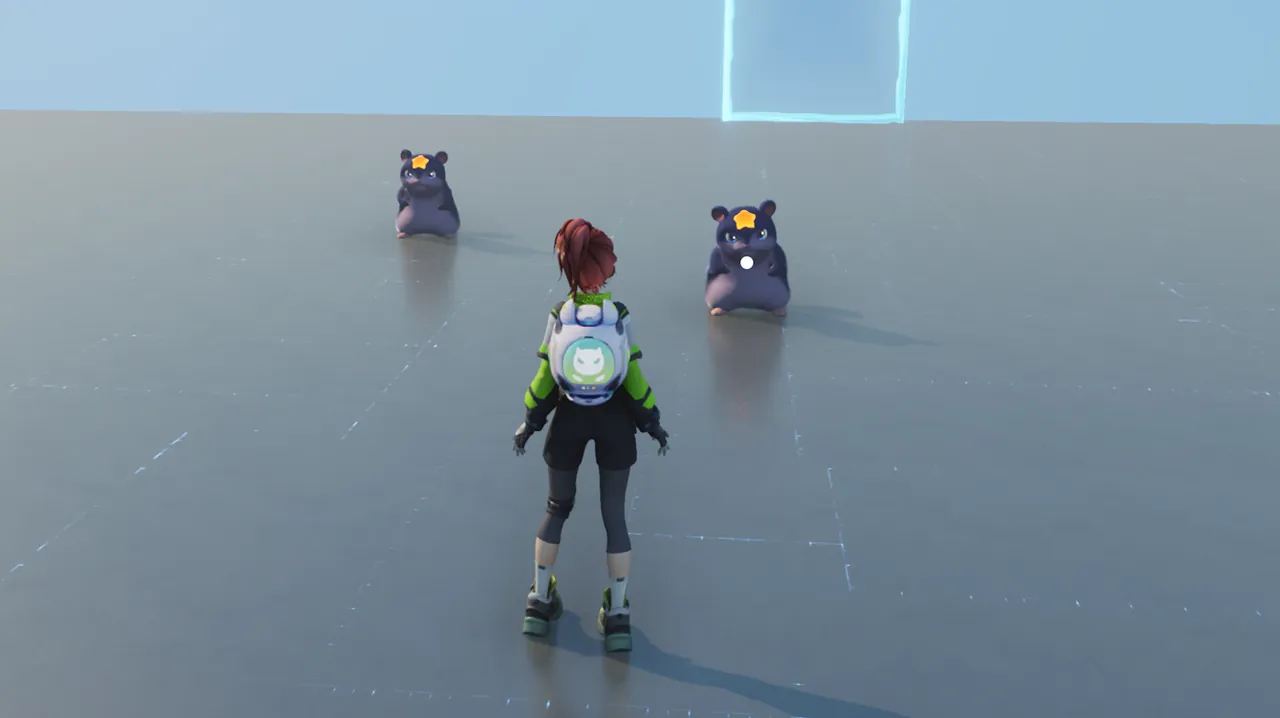
When you are not in lock-on status, moving near a target will show an auto-aim marker on the nearest target. Attacks will automatically aim at the marked target.
 2
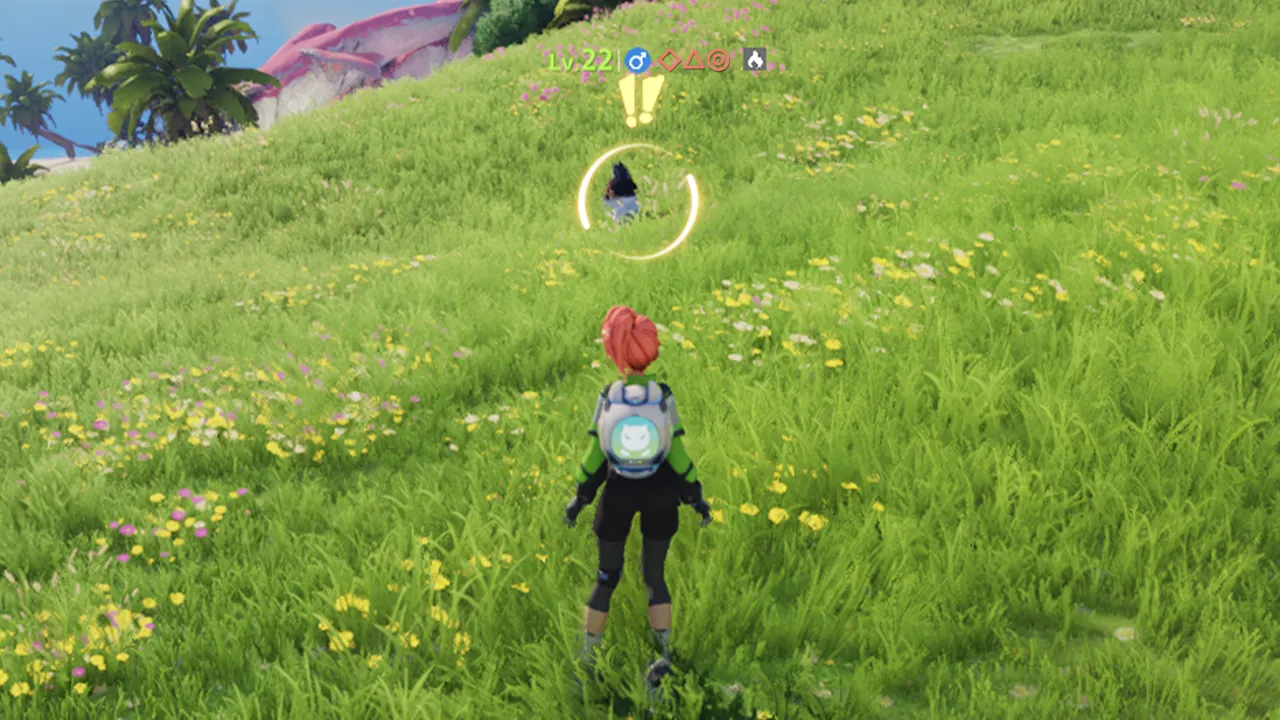
Press Tab to lock on to the target currently in your sights and enter the lock-on state. While locked on, the target will not switch automatically based on distance, and attacks will remain directed at the locked-on target. Press Tab to switch lock-on targets. Press and hold Tab to cancel lock-on.
 3
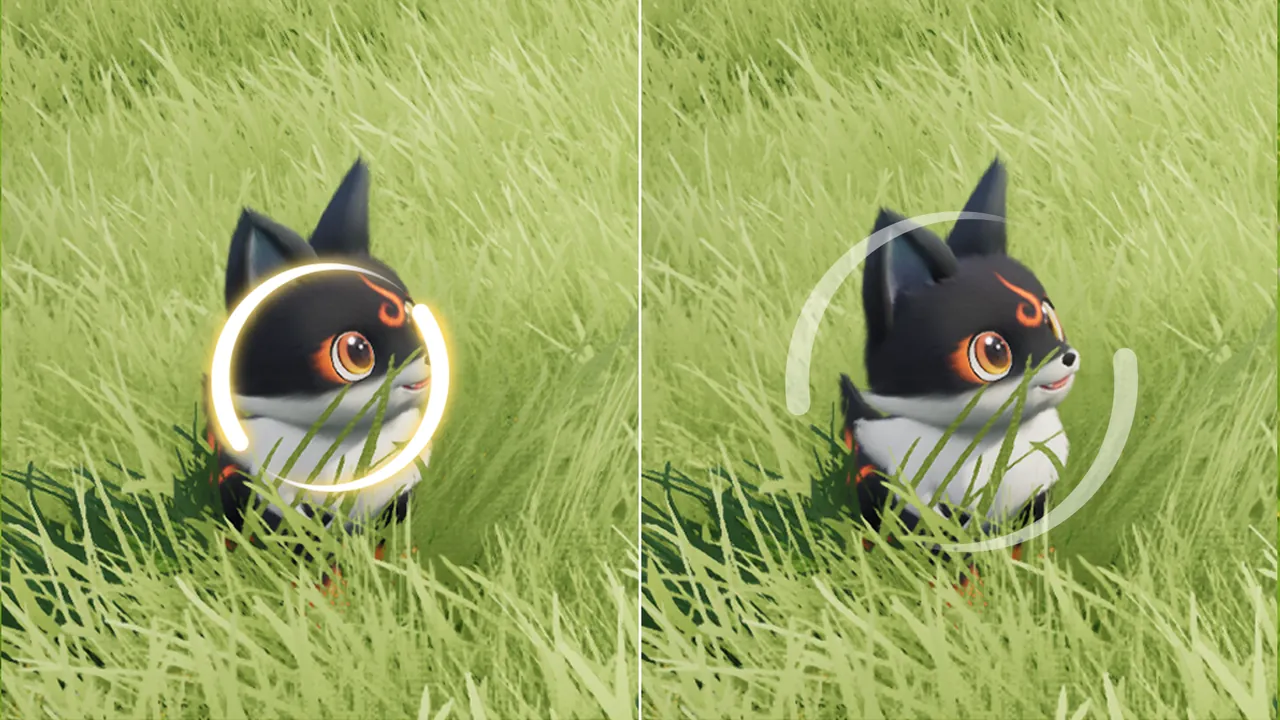
When the target is within attack range, the lock-on circle will highlight, and ranged attacks can auto-aim at the target. When the target is outside attack range, the lock-on circle will turn gray, and ranged attacks cannot auto-aim at the target.
 4
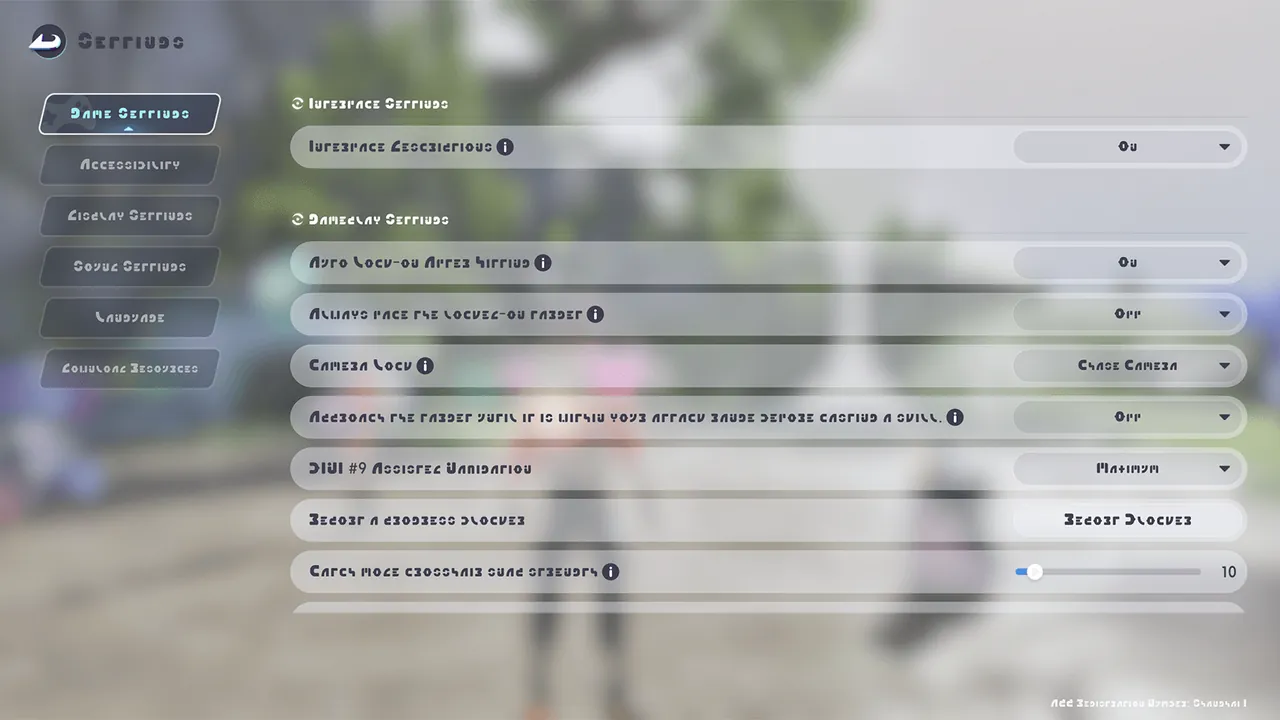
You can change lock-on settings at any time in Settings, including Lock-On Mode, Camera Mode, and Smart Cast.